
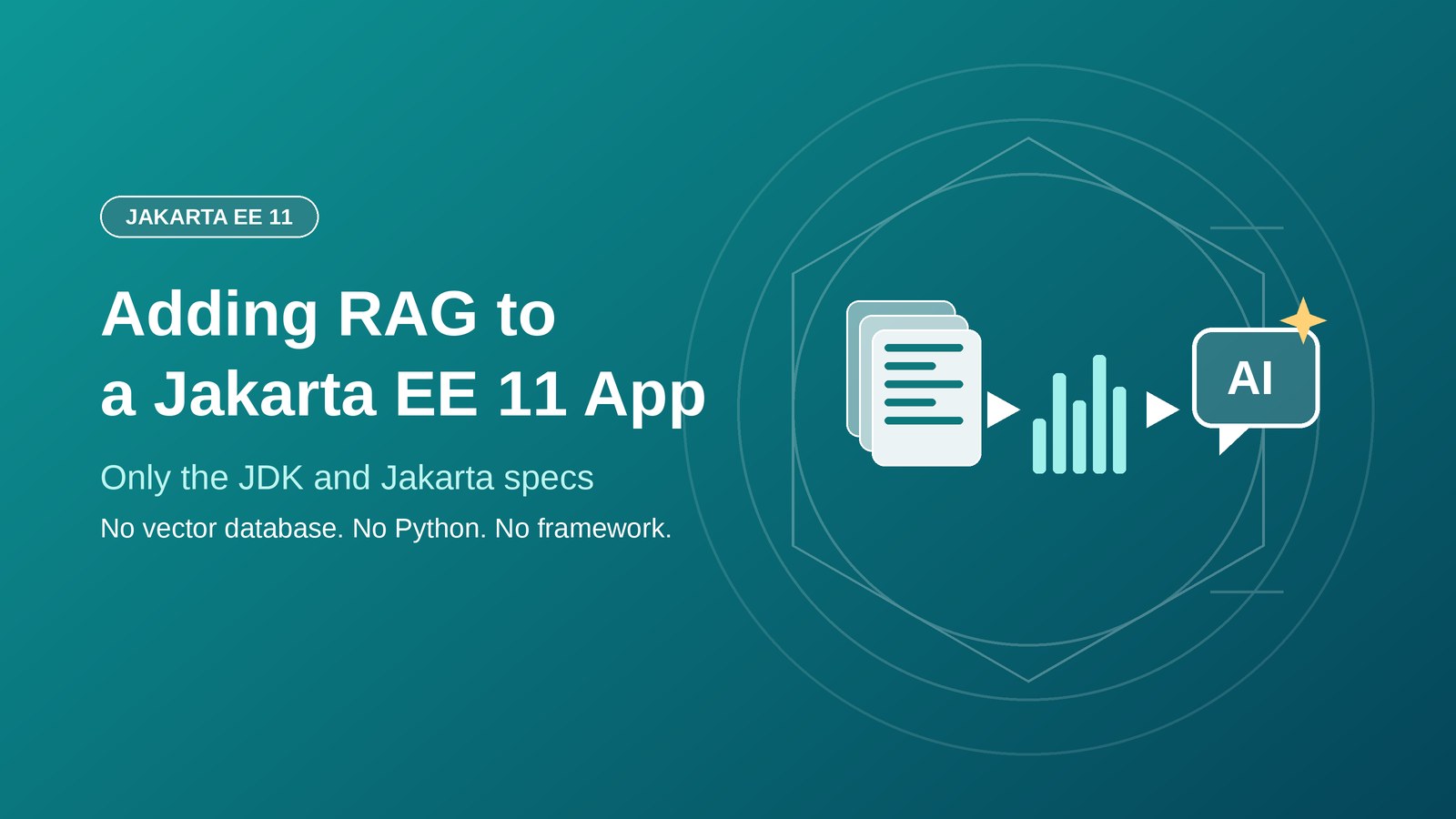
Adding RAG to a Jakarta EE 11 App With Only the JDK and Jakarta Specs

The standard story about AI in the enterprise goes something like this. Your app needs AI, so you spin up a Python service. You add a vector database like Pinecone or Weaviate. You pick an orchestration framework. You now have two deployment pipelines, two languages, and two teams. The original Java monolith that handled your business logic just fine becomes one half of a distributed system that exists mostly to connect to the other half.
I gave a talk at Eclipse OCX 2026 arguing that this is a story Java teams have been oversold. Jakarta EE 11 on Java 21, the boring platform your enterprise already runs, is a production-grade substrate for retrieval-augmented generation, with no vector database, no Python, and no AI orchestration framework required.
This post walks through the architecture and, as an extension of the talk, shows how to drop even the last remaining third-party dependency, the HTTP adapter to Ollama, and replace it with the HTTP client built into the JDK itself. The end result is a RAG microservice built entirely from Jakarta EE specs, MicroProfile, and the Java standard library, with only a JDBC driver in the classpath beyond that.
The six specs doing the work
The whole thing rests on specs you already have:
- Jakarta Persistence 3.2 for entities, including the embedding as a
byte[]column - Jakarta Data 1.0 for repositories, no DAO classes, no hand-written JPQL for CRUD
- Jakarta Concurrency 3.1 for virtual-thread-backed managed executors
- Jakarta CDI 4.1 for dependency injection and bean lifecycle
- Jakarta REST for the inbound HTTP API (the outbound call to Ollama uses the JDK’s built-in
java.net.http.HttpClient, as shown below) - MicroProfile Config for the model name, temperature, and base URL
On top of that sits PostgreSQL for persistence and Ollama for model inference. PostgreSQL is the same database you probably already use, and Ollama is a local model server that exposes a plain HTTP API.
Notice what is not on that list: no reactive framework, no ORM wrapper beyond JPA itself, no CDI portable extension, no annotation processor, no code generator. The entire pipeline is bytecode you can step through in a debugger, with zero framework intermediation between your code and the database or the model server.
Store the embedding as a byte array
An embedding is a fixed-length array of floats that represents the semantic content of a piece of text. For nomic-embed-text, each embedding is 768 floats, which is 3,072 bytes. You do not need a vector database column type to store that; a byte[] field on a JPA entity works fine.
The DocumentChunk below is a JPA entity that models a processed chunk of a larger document. The snippets in this post are trimmed to the essentials: plain getters (such as getEmbedding(), getSource() and getContent()), imports, the @VirtualThreadExecutor qualifier and the renderAnswer helper are left out. The complete code is in the repository linked at the end.
@Entity
@Table(name = "document_chunks")
public class DocumentChunk {

    @Id
    @GeneratedValue(strategy = GenerationType.IDENTITY)
    private Long id;

    @Column(nullable = false, length = 2000)
    private String content;

    @Column(length = 200)
    private String source;

    @Column(length = 200)
    private String title;

    @Lob
    @Column(columnDefinition = "bytea")
    private byte[] embedding;

    public float[] getEmbeddingVector() {
        return embedding != null ? EmbeddingConverter.toFloatArray(embedding) : null;
    }

    public void setEmbeddingVector(float[] vector) {
        this.embedding = EmbeddingConverter.toByteArray(vector);
    }
}
The byte[] <-> float[] conversion lives in a small utility:
public final class EmbeddingConverter {

    private EmbeddingConverter() {}

    public static byte[] toByteArray(float[] floats) {
        ByteBuffer buffer = ByteBuffer.allocate(floats.length * Float.BYTES);
        for (float f : floats) buffer.putFloat(f);
        return buffer.array();
    }

    public static float[] toFloatArray(byte[] bytes) {
        ByteBuffer buffer = ByteBuffer.wrap(bytes);
        float[] floats = new float[bytes.length / Float.BYTES];
        for (int i = 0; i < floats.length; i++) floats[i] = buffer.getFloat();
        return floats;
    }
}
The entity does not know what the bytes mean. JPA sees a bytea column and marshals it as any other LOB. The vector interpretation is a concern of the search layer, not the persistence layer.
Repositories without a DAO
Jakarta Data 1.0, new in Jakarta EE 11, replaces the hand-written Data Access Object (DAO) class with a declarative repository (much like Spring Data JPA) interface. Here is the one for document chunks:
@Repository
public interface Chunks extends BasicRepository<DocumentChunk, Long> {

    @Find
    List<DocumentChunk> findBySource(String source);

    @Query("select count(this) where source = :source")
    long countBySource(@Param("source") String source);
}
Three things to notice. First, no implementation class is needed; Payara generates one at deployment time. Second, the BasicRepository interface contributes save, delete, findById, findAll, and more for free. Third, when you need a custom query, @Query takes Jakarta Data Query Language (JDQL), a slimmer dialect of JPQL.
Compare that to the equivalent raw-JPA code, which needs a stateful class, an injected EntityManager, a @Transactional method, and a hand-written JPQL string for every query. For this application, Jakarta Data reduces the repository layer by roughly three-quarters.
Similarity search, in fifteen lines
If you store embeddings in a standard column and your chunk count is bounded, you do not need a vector database. A linear scan with cosine similarity, computed in Java, is enough:
@ApplicationScoped
public class VectorSearch {

    @Inject Chunks chunks;
    @Inject OllamaEmbeddings embeddings;

    public List<DocumentChunk> search(String query, int maxResults) {
        float[] queryVec = embeddings.embed(query);

        return chunks.findAll().toList().stream()
            .filter(c -> c.getEmbedding() != null)
            .map(c -> new SimilarityResult(c,
                cosineSimilarity(queryVec, c.getEmbeddingVector())))
            .sorted(Comparator.comparingDouble(SimilarityResult::score).reversed())
            .limit(maxResults)
            .map(SimilarityResult::chunk)
            .toList();
    }

    static double cosineSimilarity(float[] a, float[] b) {
        double dot = 0, na = 0, nb = 0;
        for (int i = 0; i < a.length; i++) {
            dot += a[i] * b[i];
            na += (double) a[i] * a[i];
            nb += (double) b[i] * b[i];
        }
        if (na == 0 || nb == 0) return 0.0;
        return dot / (Math.sqrt(na) * Math.sqrt(nb));
    }

    private record SimilarityResult(DocumentChunk chunk, double score) {}
}
This is O(n) per query and loads all chunks into memory. For a few thousand chunks it is effectively instantaneous, and the memory footprint is negligible. For millions of vectors you would want an indexed vector database, but for internal tools, documentation assistants, and conference Q&A systems for instance, this is sufficient and avoids an entire infrastructure dependency.
The tradeoff here is worth mentioning. A vector database uses approximate nearest neighbor indexes, typically HNSW, which trade tiny amounts of recall for sub-linear query time. On fifty chunks the index is pointless overhead; on fifty million chunks the index is load-bearing. The inflection point depends on your query latency budget, your embedding dimension, and your disk budget for the index. Most teams reach for a vector database before they need one, because the default narrative says they must. A fifteen-line Java method buys you months of runway while you validate whether the feature even matters.
Calling Ollama directly, through the JDK HTTP client
Most Java AI guides point you at a library like LangChain4j for the HTTP call to the model server. The demo code at the Eclipse OCX talk did the same, using LangChain4j’s OllamaEmbeddingModel and OllamaChatModel classes as thin wrappers over the Ollama HTTP API.
For this blog I want to show the truly dependency-free version. Ollama’s API is small and stable. You can call it directly with java.net.http.HttpClient, which has shipped with the JDK since Java 11, plus jakarta.json for parsing the response. Here is the embedding client:
@ApplicationScoped
public class OllamaEmbeddings {

    @Inject @ConfigProperty(name = "ollama.base.url")
    String baseUrl;

    @Inject @ConfigProperty(name = "ollama.embedding.model")
    String model;

    private HttpClient http;

    @PostConstruct
    void init() {
        http = HttpClient.newBuilder()
            .connectTimeout(Duration.ofSeconds(5))
            .build();
    }

    public float[] embed(String text) {
        JsonObject body = Json.createObjectBuilder()
            .add("model", model)
            .add("input", text)
            .build();

        HttpRequest request = HttpRequest.newBuilder()
            .uri(URI.create(baseUrl + "/api/embed"))
            .timeout(Duration.ofSeconds(120))
            .header("Content-Type", "application/json")
            .POST(HttpRequest.BodyPublishers.ofString(body.toString()))
            .build();

        try {
            HttpResponse<String> response = http.send(
                request, HttpResponse.BodyHandlers.ofString());
            JsonObject result = Json.createReader(
                new StringReader(response.body())).readObject();
            JsonArray vector = result.getJsonArray("embeddings").getJsonArray(0);
            float[] floats = new float[vector.size()];
            for (int i = 0; i < vector.size(); i++) {
                floats[i] = (float) vector.getJsonNumber(i).doubleValue();
            }
            return floats;
        } catch (IOException | InterruptedException e) {
            if (e instanceof InterruptedException) Thread.currentThread().interrupt();
            throw new IllegalStateException("Embedding request failed", e);
        }
    }
}
Every import in that class is from java.*, jakarta.*, or org.eclipse.microprofile.*. Nothing on the classpath beyond the JDK, the Jakarta EE APIs, and the MicroProfile Config API.
The chat client follows the same shape, with one architectural choice that matters: the model name lives in a volatile field so it can be swapped at runtime without redeploying.
@ApplicationScoped
public class OllamaChat {

    @Inject @ConfigProperty(name = "ollama.base.url")
    String baseUrl;

    @Inject @ConfigProperty(name = "ollama.chat.model")
    String defaultModel;

    private HttpClient http;
    private volatile String currentModel;

    @PostConstruct
    void init() {
        this.currentModel = defaultModel;
        this.http = HttpClient.newBuilder()
            .connectTimeout(Duration.ofSeconds(5))
            .build();
    }

    public void switchModel(String modelName) { this.currentModel = modelName; }

    public String getCurrentModel() { return currentModel; }

    public String chat(String userMessage) {
        JsonObject body = Json.createObjectBuilder()
            .add("model", currentModel)
            .add("stream", false)
            .add("messages", Json.createArrayBuilder()
                .add(Json.createObjectBuilder()
                    .add("role", "user")
                    .add("content", userMessage)))
            .build();

        HttpRequest request = HttpRequest.newBuilder()
            .uri(URI.create(baseUrl + "/api/chat"))
            .timeout(Duration.ofSeconds(300))
            .header("Content-Type", "application/json")
            .POST(HttpRequest.BodyPublishers.ofString(body.toString()))
            .build();

        try {
            HttpResponse<String> response = http.send(
                request, HttpResponse.BodyHandlers.ofString());
            JsonObject result = Json.createReader(
                new StringReader(response.body())).readObject();
            return result.getJsonObject("message").getString("content");
        } catch (IOException | InterruptedException e) {
            if (e instanceof InterruptedException) Thread.currentThread().interrupt();
            throw new IllegalStateException("Chat request failed", e);
        }
    }
}
The volatile keyword on currentModel is doing the real work. When one request calls switchModel("mistral"), reference assignment in Java is atomic, and volatile guarantees the next chat request on any thread sees the new value. Changing from gemma4 to mistral is one field write triggered by a single HTTP POST to /api/models, with no redeployment or restart required.
That single feature is what the declarative AI frameworks cannot match. Annotation-wired services like @RegisterAIService bind the model at deployment time. If you want A/B testing, tenant-specific routing, or graceful fallback from a large model to a small one under load, you need a mutable model reference, which means you need to write the few lines of code above yourself. Twenty extra lines of orchestration in exchange for runtime flexibility is a trade worth making the moment it matters.
The RAG pipeline itself
With embedding and chat clients in hand, the full retrieval-augmented generation pipeline fits in one method:
@ApplicationScoped
public class AiService {

    @Inject VectorSearch vectorSearch;
    @Inject OllamaChat ollamaChat;

    public String ask(String question) {
        List<DocumentChunk> relevant = vectorSearch.search(question, 10);

        if (relevant.isEmpty()) {
            return "No relevant information found for that question.";
        }

        String context = relevant.stream()
            .map(c -> "Source: " + c.getSource() + "\n" + c.getContent())
            .collect(Collectors.joining("\n\n"));

        String prompt = """
            Context:
            %s

            Question: %s
            """.formatted(context, question);

        return ollamaChat.chat(prompt);
    }
}
Embed the query, find the ten most similar chunks, assemble them into a prompt, call the model, return the answer. That is the entire RAG primitive. Every step is visible, loggable, and modifiable: adding a relevance threshold is one if statement, and changing the prompt format at runtime is one string edit.
Virtual threads for parallel embedding at startup
When the application boots, it needs to embed the seed corpus. For 50 chunks that means 50 HTTP round-trips to Ollama. Done serially this is slow; with a traditional thread pool it turns into a pool-size tuning exercise; with virtual threads it is one annotation.
@ApplicationScoped
@ManagedExecutorDefinition(
    name = "java:module/concurrent/VirtualThreadExecutor",
    virtual = true,
    qualifiers = VirtualThreadExecutor.class
)
public class ConcurrencyConfig {}
Jakarta Concurrency 3.1 added virtual = true to @ManagedExecutorDefinition. This asks the container for a ManagedExecutorService backed by virtual threads (a runtime may fall back to platform threads if it cannot create them or its configuration restricts them). The container registers the executor in JNDI, propagates Jakarta EE context to its threads automatically, and exposes it for CDI injection through the qualifier annotation.
The ingestion side looks like this:
@Inject @VirtualThreadExecutor
ManagedExecutorService executor;

private void generateEmbeddingsConcurrently(List<DocumentChunk> chunks) {
    List<Future<Void>> futures = chunks.stream()
        .map(chunk -> executor.submit(() -> {
            chunk.setEmbeddingVector(ollamaEmbeddings.embed(chunk.getContent()));
            return (Void) null;
        }))
        .toList();

    for (Future<Void> f : futures) f.get();
}
Fifty chunks become fifty virtual threads, all running concurrently. When a virtual thread blocks on the HTTP response from Ollama, the JVM unmounts it from the carrier thread and schedules another. When the response arrives, the virtual thread remounts and continues. This is the JVM doing the work that a reactive framework would otherwise force you to write by hand.
The practical win is that you stop tuning pool sizes. The memory savings (1 KB versus 1 MB per stack) are real but rarely matter in practice; submit as many tasks as your workload produces and the JVM schedules them for you.
REST endpoints
The public HTTP API is an unremarkable JAX-RS component:
@Path("/chat")
public class ChatResource {
@Inject AiService aiService;
@POST
@Consumes(APPLICATION_FORM_URLENCODED)
@Produces(TEXT_HTML)
public String ask(@FormParam("question") String question) {
return renderAnswer(question, aiService.ask(question));
}
}
@Path("/models")
public class ModelResource {
@Inject OllamaChat ollamaChat;
@POST
@Consumes(APPLICATION_FORM_URLENCODED)
@Produces(TEXT_HTML)
public Response switchModel(@FormParam("model") String modelName) {
if (modelName == null || modelName.isBlank()) {
return Response.status(Response.Status.BAD_REQUEST)
.entity("A model name is required").build();
}
ollamaChat.switchModel(modelName);
return Response.ok("<strong>" + escapeHtml(modelName) + "</strong>").build();
}
private static String escapeHtml(String s) {
return s.replace("&", "&").replace("<", "<")
.replace(">", ">").replace("\"", """);
}
}Standard JAX-RS, with no AI framework annotations or special configuration, just CDI injection and HTTP. The model name arrives from a form field, so it is validated before it replaces the current model and HTML-escaped before it is echoed back. The same applies to the answer rendered by renderAnswer: anything that originates from user input or from the model should be escaped before it goes into an HTML response.
What this replaces
Lay the pieces out next to the standard AI architecture:
| Standard AI Architecture | Jakarta EE Equivalent |
|---|---|
| Pinecone or Weaviate | byte[] in a JPA entity + cosine in Java |
| LangChain or Haystack | AiService class, 25 lines |
@RegisterAIService | OllamaChat with volatile field |
EmbeddingStore abstraction | VectorSearch, 15 lines |
| Reactive framework | @ManagedExecutorDefinition(virtual = true) |
ConfigProvider.getConfig() | @Inject @ConfigProperty |
| FastAPI | JAX-RS |
| Python service, separate team | Same team, same WAR, same monitoring |
There is no magic in this stack. Every line does something you can read, modify, and debug. The AI pipeline deploys as the same standard WAR as every other service your operations team already runs.
Where this approach breaks
A post that claims a pattern is better than the alternative is obligated to name where it stops working. Four honest limits:
Millions of vectors. While a few thousand chunks are manageable using Java’s O(n) linear cosine similarity, performance significantly degrades with millions of chunks. At that scale, the most straightforward improvement is transitioning to pgvector with an HNSW index. This upgrade is minimal: you retain the same database, JPA entity, and Jakarta Data repository, only needing to install the extension and replace the VectorSearch class with one that executes an indexed query.
CPU-only inference. A 2B-to-4B-parameter model on a laptop CPU is multiple seconds per request. Pointing ollama.base.url at a GPU host takes the latency down by an order of magnitude or more, with no code change. For a demo on a laptop this is slow but workable; for a production user-facing product you want hardware acceleration behind Ollama, or a hosted model endpoint.
Horizontal scaling of the model switch. The volatile field in OllamaChat is per-JVM. If you run five instances behind a load balancer, switching the model on one does not touch the others. The production answer is to push the current model name through a MicroProfile Config source that all instances observe and refresh from.
Long-running tool use and multi-turn conversations. This pipeline is single-shot. If you need function calling, multi-turn context, or structured output, LangChain4j or Spring AI’s higher-level APIs earn their weight. What the post shows is the floor; they provide a ceiling. The floor is enough for a surprisingly wide range of internal applications.
The point
The default narrative says you need Python, a vector database, and a framework. None of that is true for a large fraction of real-world AI features in enterprise Java applications. Jakarta EE 11 covers entities, repositories, concurrency, config, and HTTP; Java 21 adds virtual threads; Ollama supplies a local model server with a plain HTTP API. That is a complete combination.
If your team already runs Jakarta EE, adding AI is a question of using that ecosystem correctly rather than building a new one. The boring stack is not exciting, which is precisely why it works in production: it is the same stack your operations team already knows how to deploy, monitor, and scale.
The code for the original talk, including the LangChain4j-based version, is on GitHub at pedanticdev/eclipse-ocx-2026. The version described in this post, calling Ollama through the JDK HTTP client instead of through LangChain4j, is a natural next step. Both are standard WARs that run on any Jakarta EE 11 compatible runtime and deploy the same way as everything else you already ship.
Enterprise Java is AI-ready today
The argument lands on one practical claim: you do not need to rewrite your applications to adopt AI. The pure-Jakarta pipeline above runs inside a standard WAR on the same Jakarta EE 11 runtime your team already deploys. Payara Micro 7 packages it into a single executable JAR. The JDK underneath can be any OpenJDK build, including Azul’s free Zulu distribution or the commercial Azul Platform Prime for production workloads with strict latency budgets. Azul now owns Payara, so the runtime, the JDK, and the platform engineering come from one Java vendor.
Three concrete next steps:
- Run it locally. Clone pedanticdev/eclipse-ocx-2026, check out
blog/pure-jakarta, run./run.sh deploy. The full pipeline should be on your laptop in about a minute, depending on your connection speed. - Spike it on your own codebase. A first RAG endpoint inside an existing Jakarta EE app is roughly a one-day project. CDI handles the wiring, PostgreSQL holds the embeddings, your existing CI/CD does the deploy.
- Talk to Azul about production. Talk to Azul for complete production support of both your Java and Jakarta EE runtime.
Enterprise Java is AI-ready today. The platform has been production-tested for two decades, and the patterns above show how to add AI to it without changing anything else.
The old dog does not need new tricks. It already knows them all.
Found a mistake, or something to add? Edit this page on GitHub

Luqman Saeed
Enterprise Java (Jakarta EE) developer, trainer and technical writer, with a passion for problem solving and teaching.