Interview with Libán Bande González: Going Beyond CSS in JavaFX

 6 min read
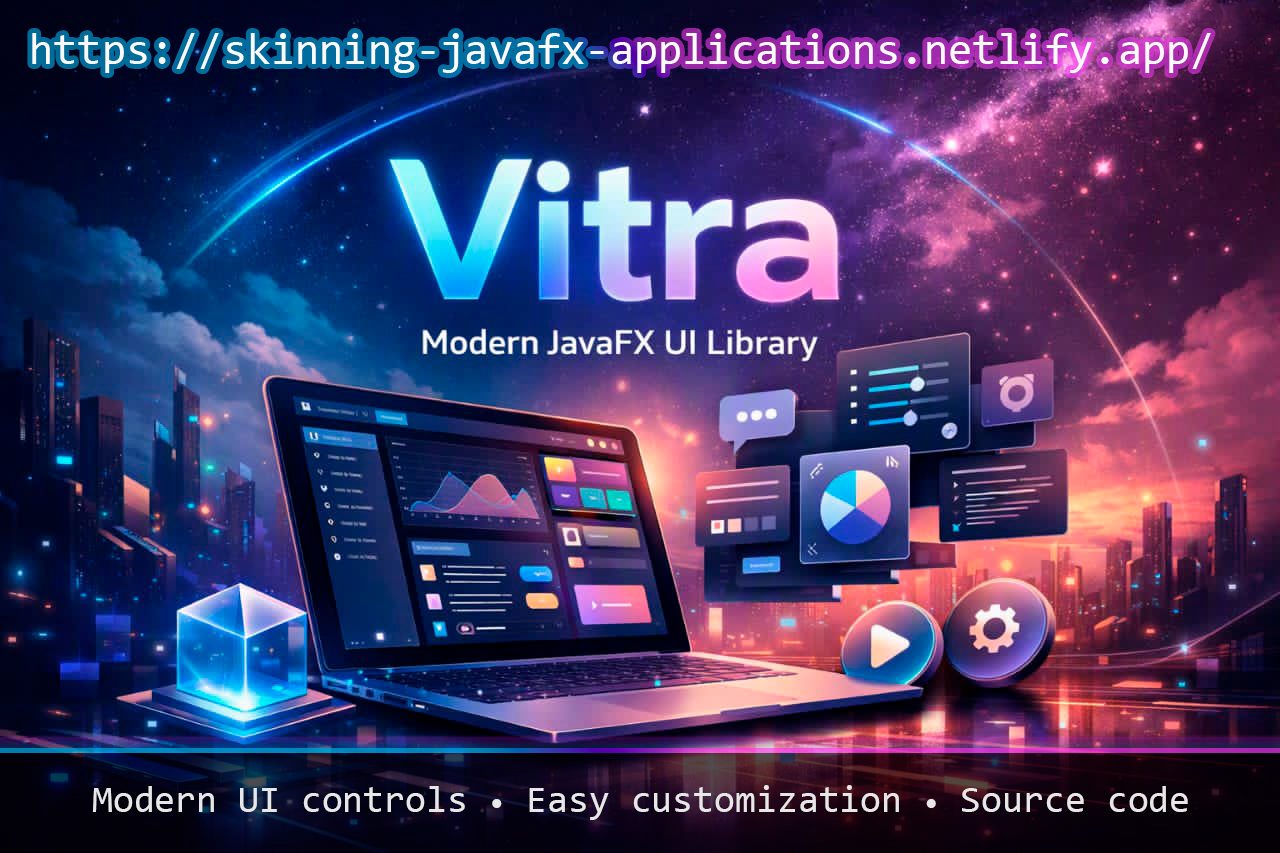
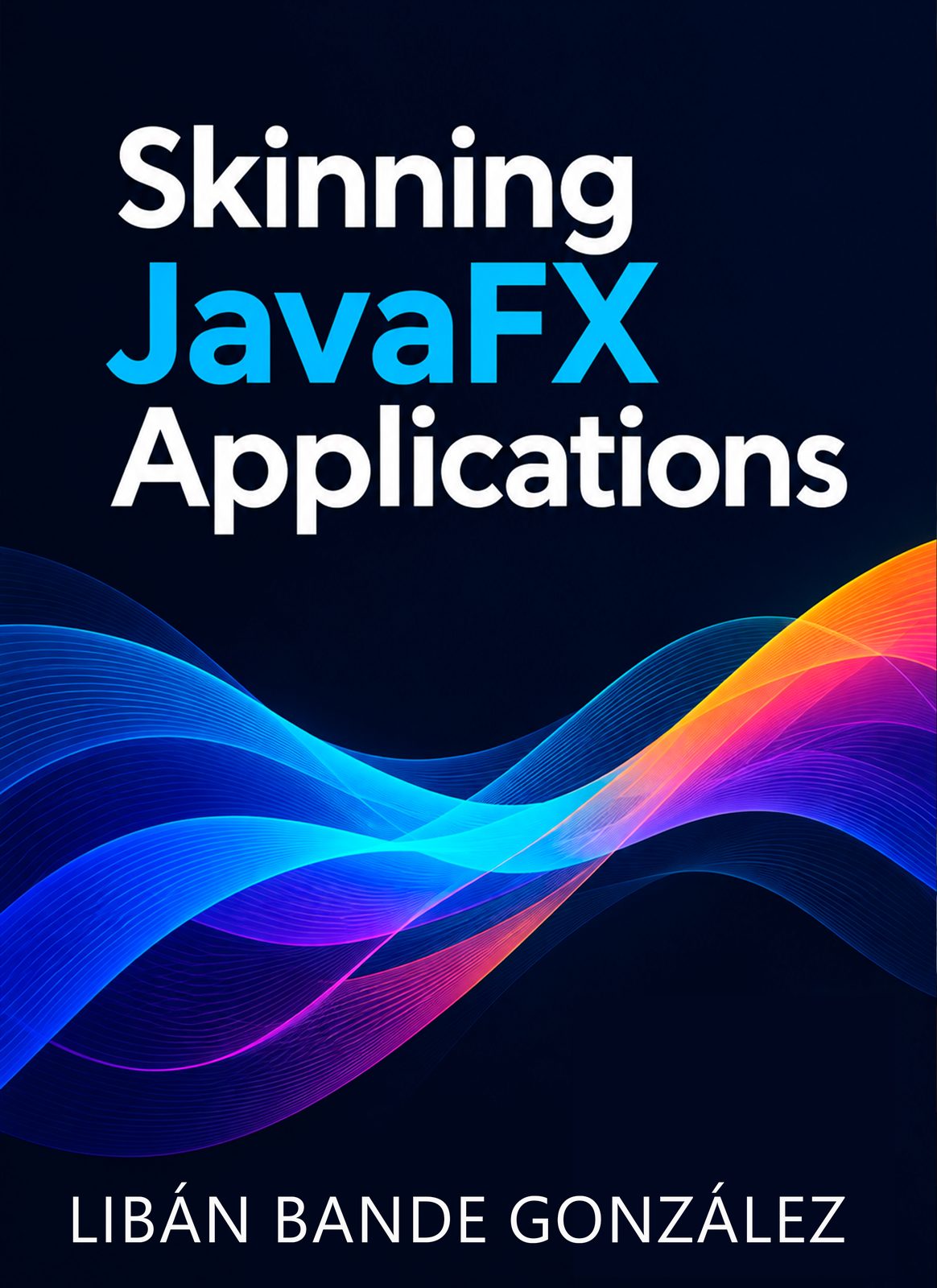
Most JavaFX developers style their applications with CSS and never look at skins. Libán Bande González did, and he wrote a book about it: Skinning JavaFX Applications. He also built two libraries on top of that knowledge, Vitra and Celestia. I asked him about the book, the libraries, and building business applications with JavaFX from Cuba.
Who are you?

My name is Libán Bande González and I live in Cuba. I have a university degree in Computer Science. When I studied, it was a five-year program: programming is taught from the first year. After graduating, I worked in software development (desktop and web applications) and UX/UI design.
What kind of apps do you build, and why JavaFX?
The desktop applications I build are for business management, aimed at small and medium-sized businesses. I currently have five in production: a financial management system, an inventory management system, a gym management system, a point of sale, and a property management system.
I chose JavaFX because it is a very versatile framework for building graphical interfaces, and because any developer can install and use the framework in an offline environment.
What is the book about, and who is it for?
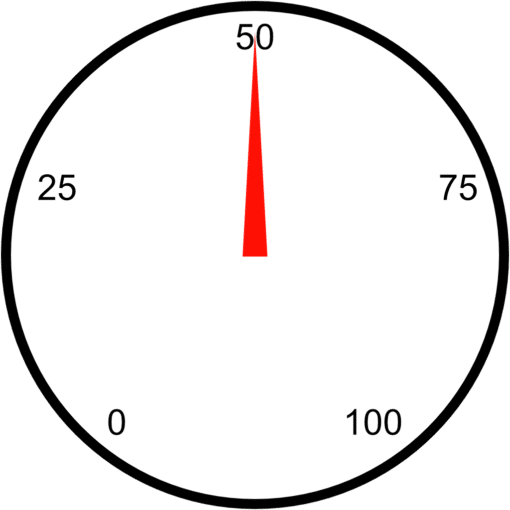
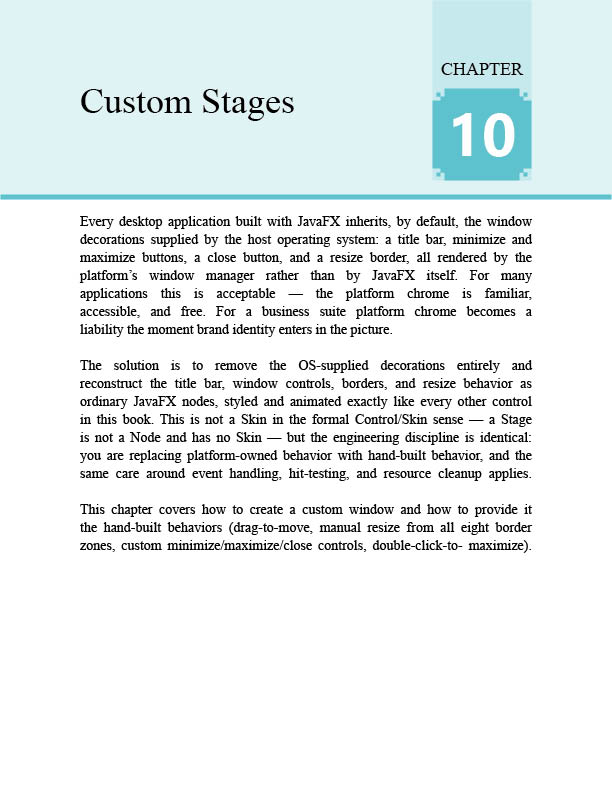
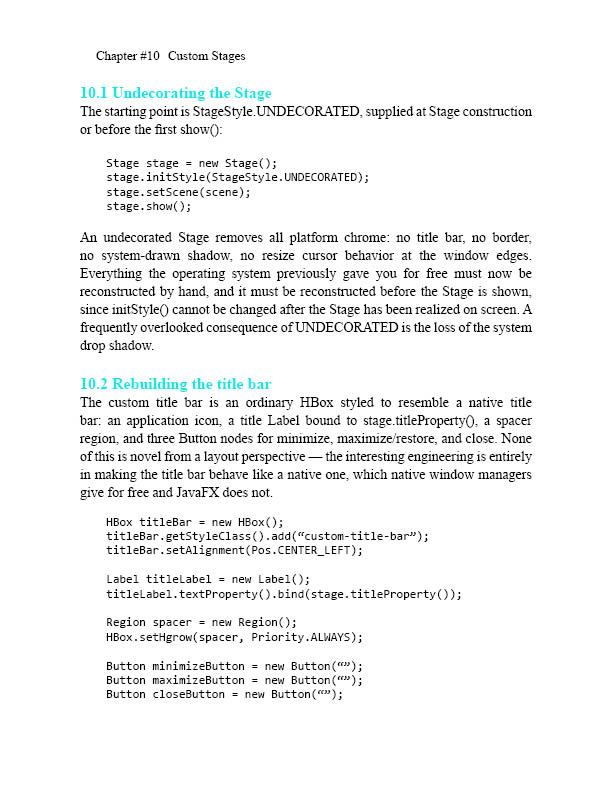
The book is about going beyond CSS in JavaFX. It teaches the Control-Skin architecture and uses it both to restyle existing controls and to build new ones from scratch.
It’s for software developers who want to build modern graphical interfaces, especially those who have discovered that no default control meets the requirements of a project. Readers don’t need to be experienced: being familiar with the basics of JavaFX is enough.




Why focus on Control-Skin instead of CSS?
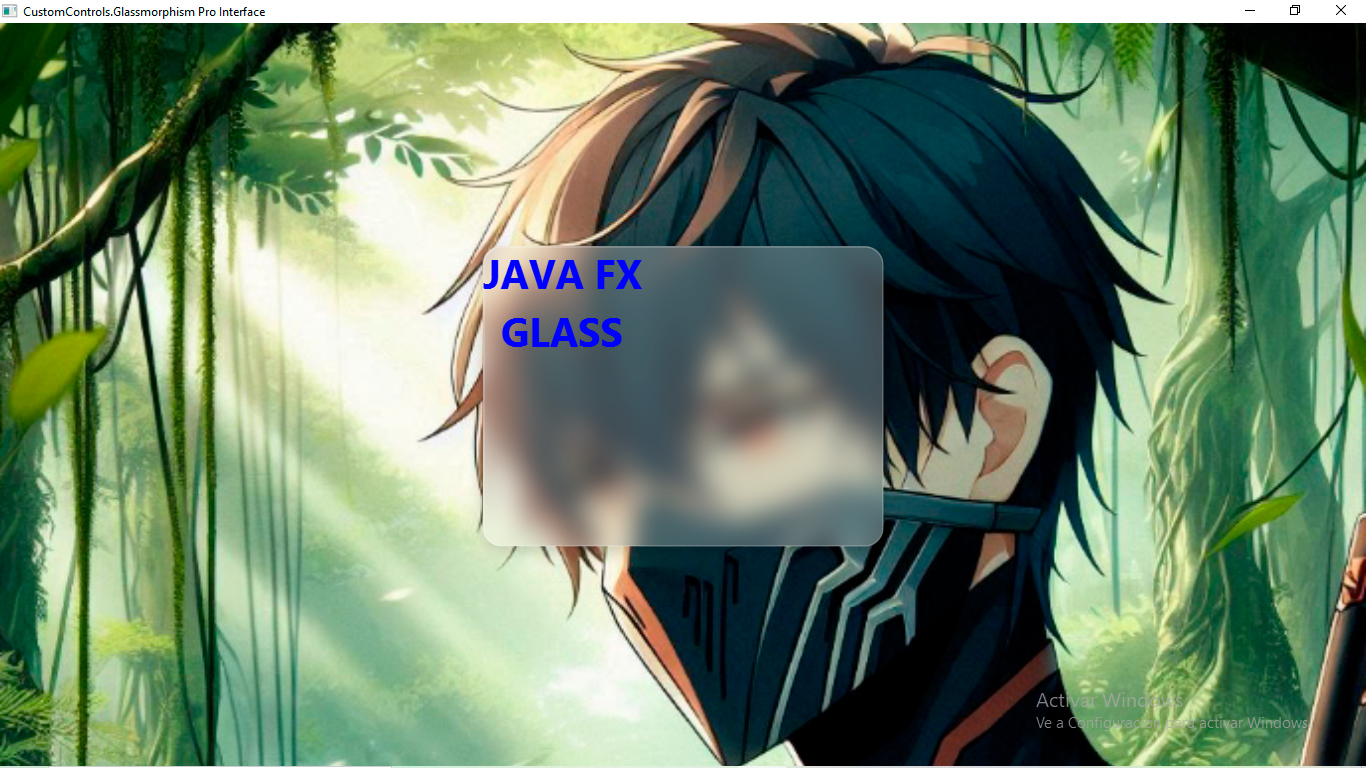
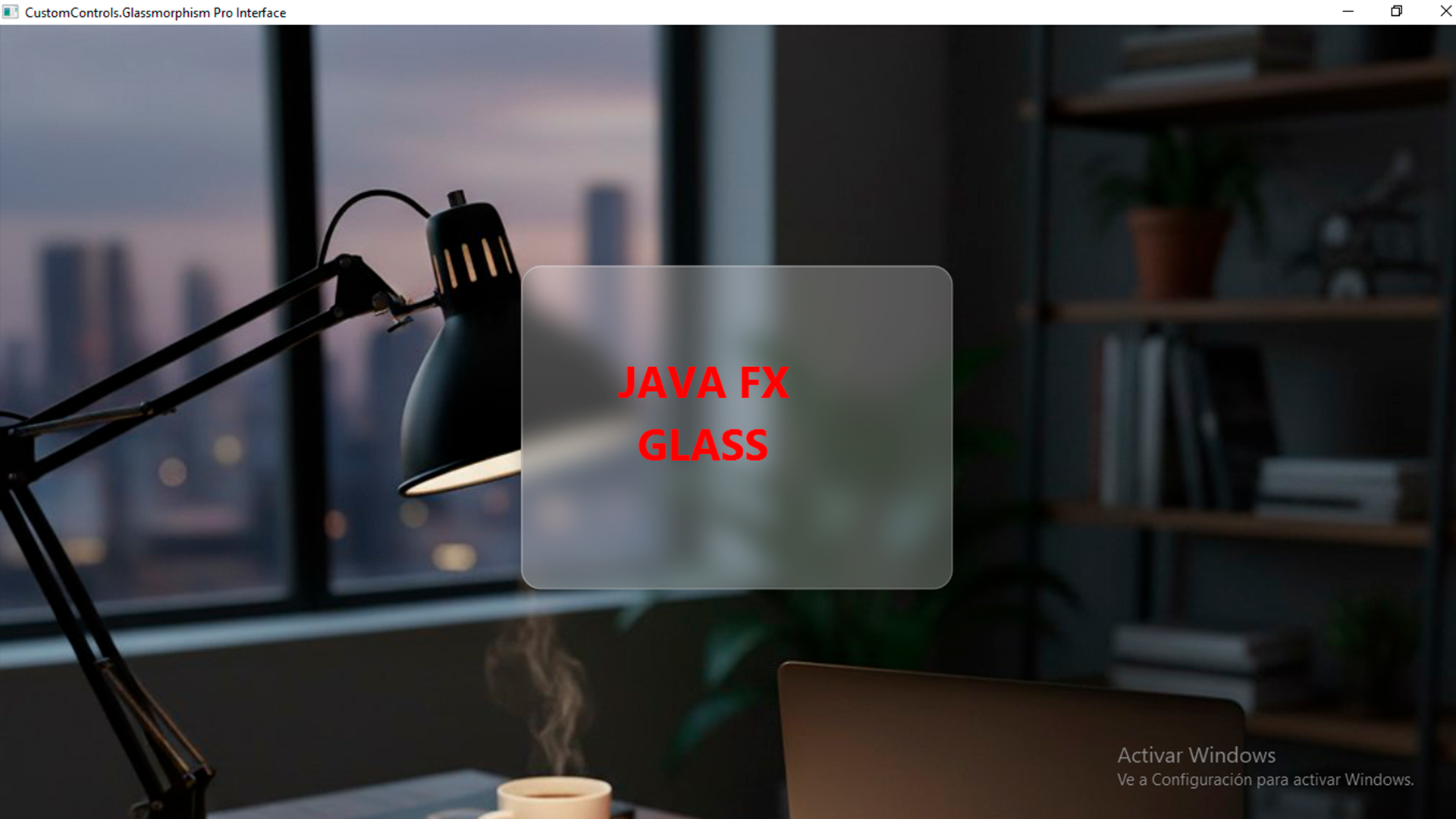
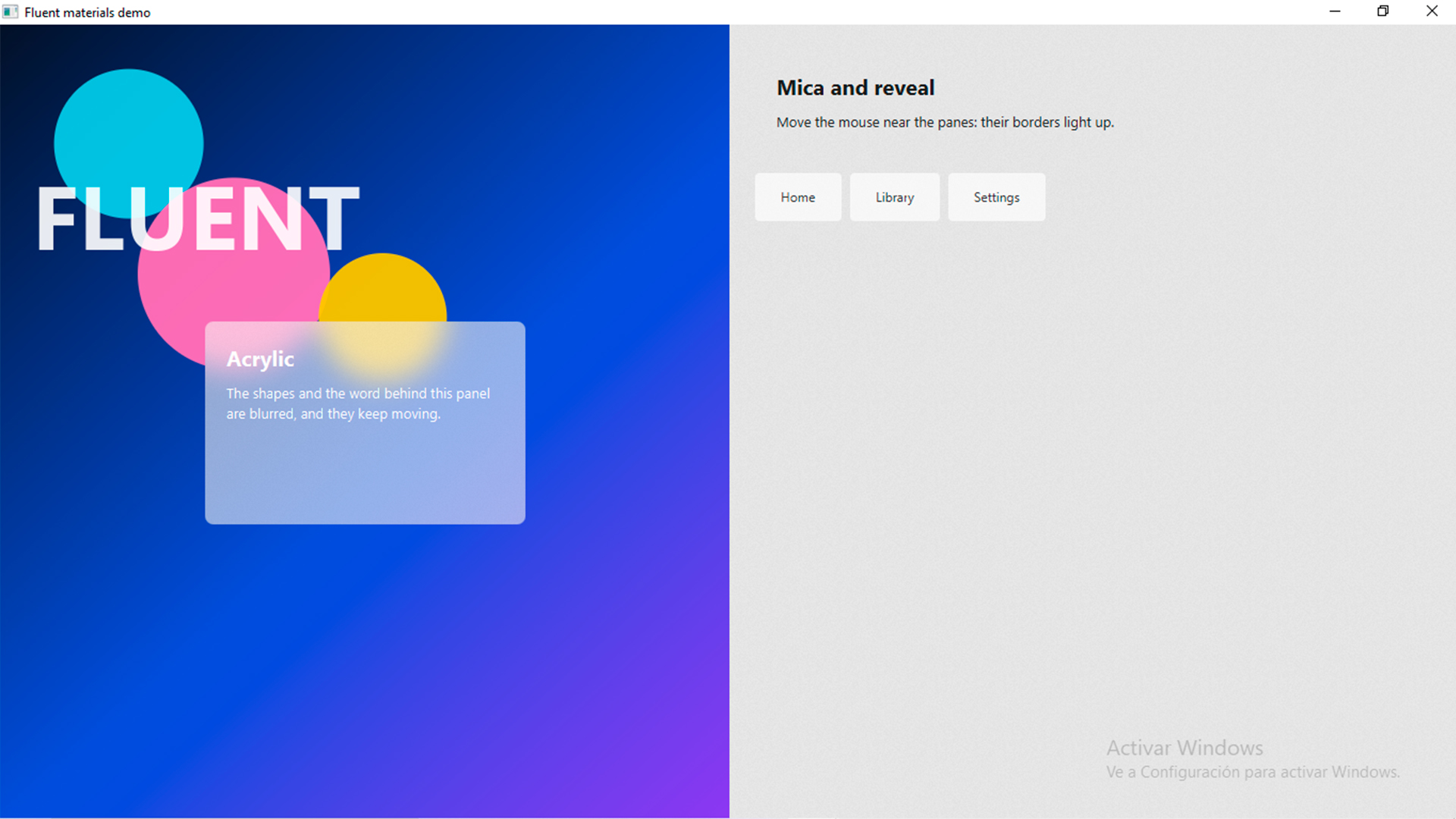
When I face real projects, I have to build modern graphical user interfaces, and in most cases CSS isn’t enough. Do you want a challenge that proves CSS isn’t enough? Try building a set of glassmorphic panels and controls. There is no CSS rule in JavaFX that applies a blur and lets you see through a control or panel without a domino effect on its child nodes.
What made you write the book?
I remember that in my first project I wanted to create scroll bars like the ones in IntelliJ IDEA. I made hundreds of attempts and failed every time, because CSS alone couldn’t take me to that level of customization. Everything pointed to the fact that I needed to learn something more: skins. It wasn’t a well-documented topic. After finishing several projects, I decided to write the book to capture the skills I had to develop.
What will a reader be able to build?
Once readers finish the book, they will be able to create their own controls and skins for their interfaces, controls and skins that JavaFX doesn’t offer by default. I created my own UI library because it was something I set out to do after finishing the book.
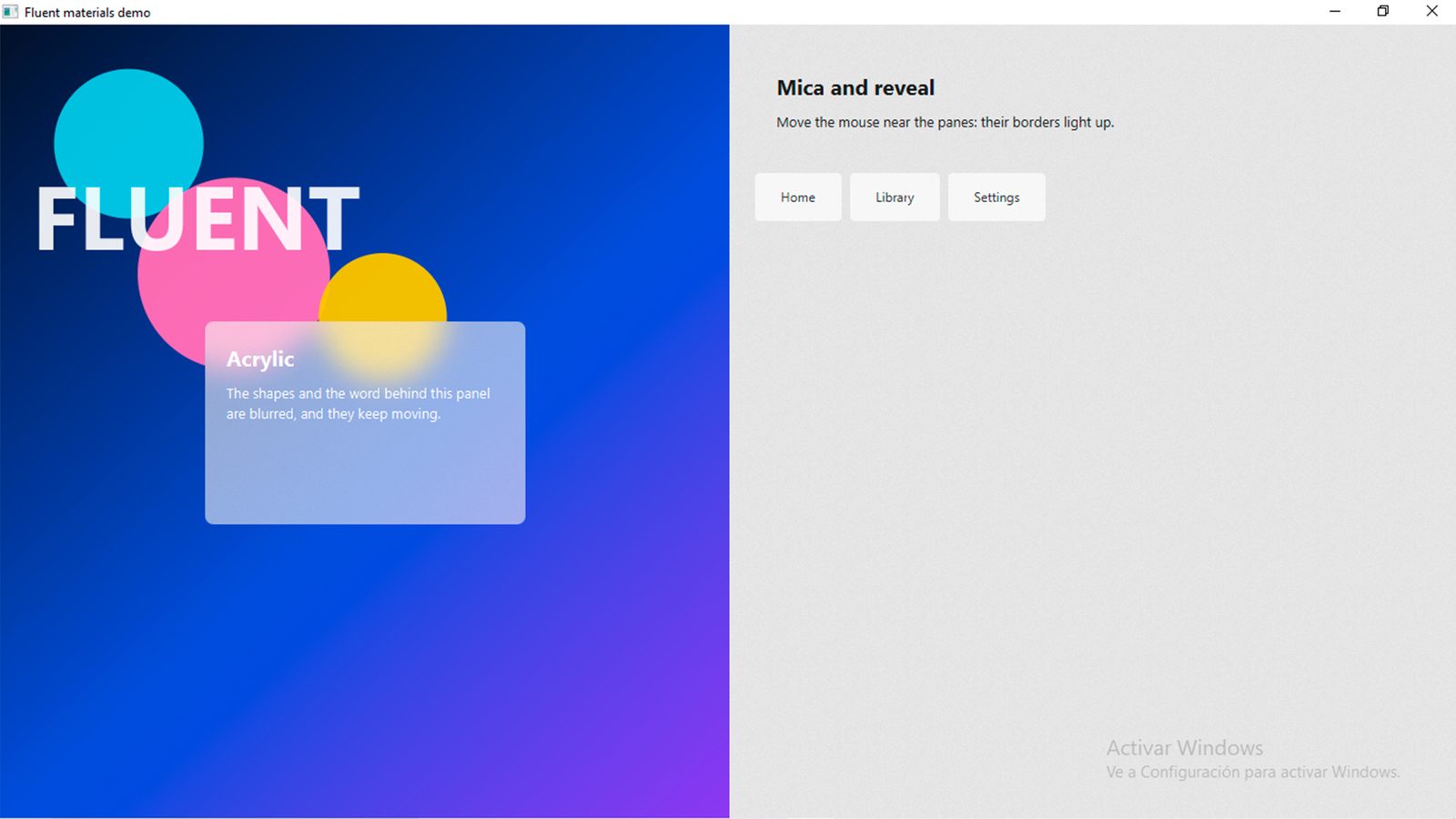
The most laborious chapter, I’d say, was the one on Fluent. The difficulty was writing the code and testing it. At the same time, it’s the chapter I’m proudest of, because it brings everything together. It’s the decisive chapter that integrates the whole body of knowledge.
Does the book need Vitra?
No. The book works with pure JavaFX, with no third-party libraries. The book covers the theory and, from a practical standpoint, implements a few controls. Vitra is a direct result of the book. It’s my way of telling the reader: thanks to the book, I was able to create a set of controls ready to integrate into projects.
It is entirely possible to buy the book without access to Vitra. The reader decides whether they want one or both.
What is Vitra, and how is it different from AtlantaFX?
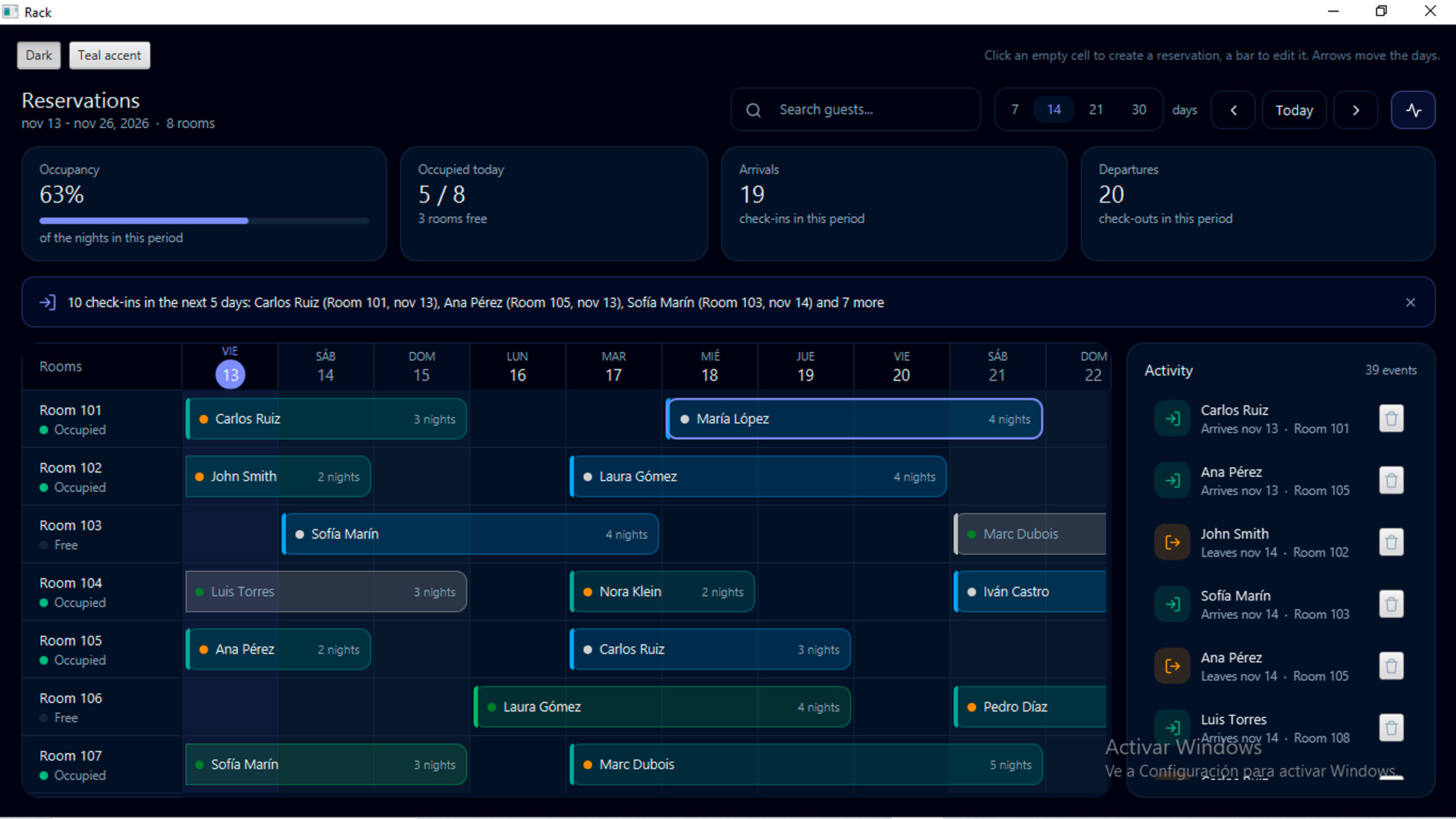
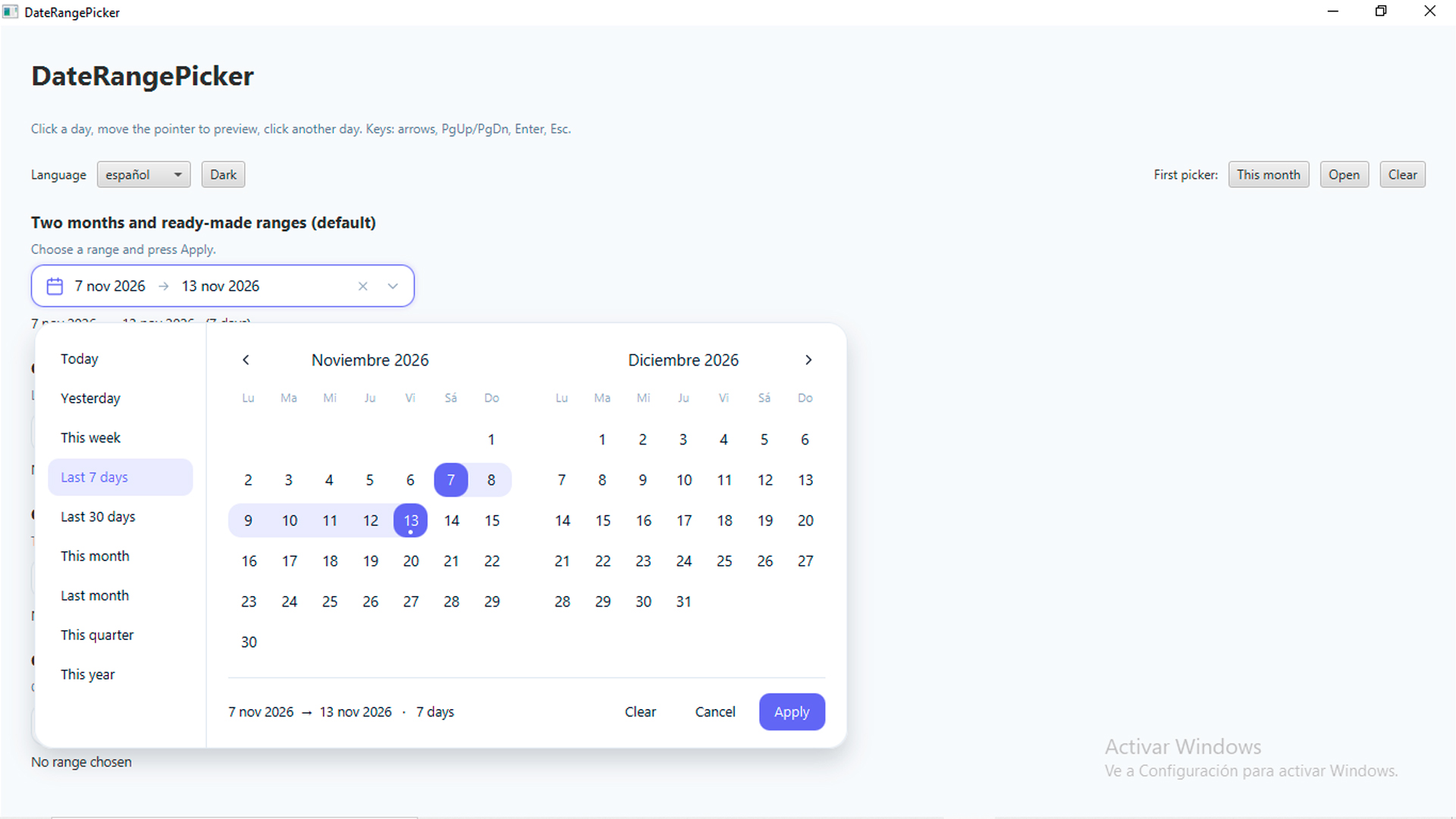
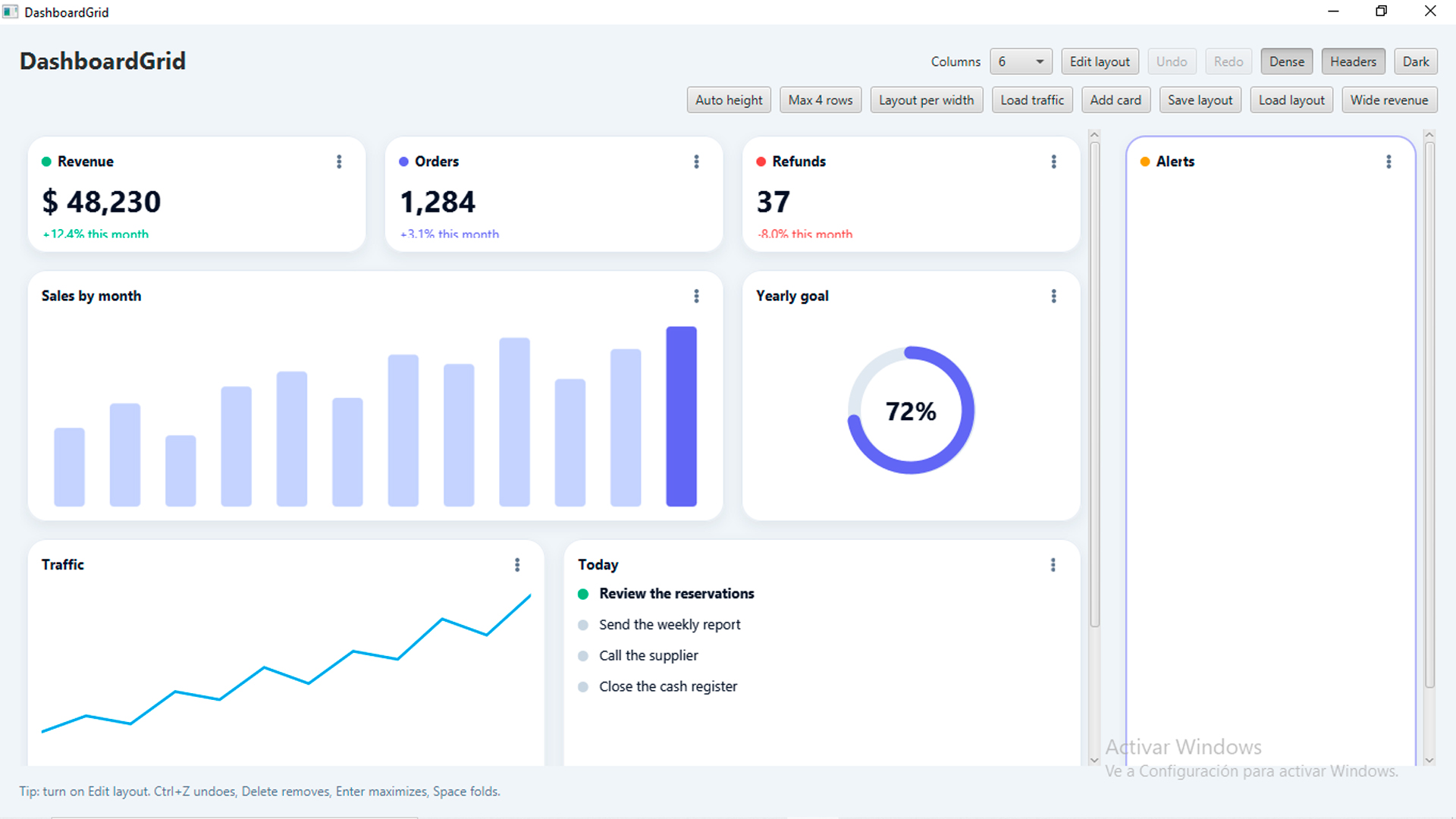
Vitra is a UI library of controls for JavaFX. It solves what JavaFX doesn’t provide out of the box and what CSS alone cannot achieve: rich controls that are fully customizable through CSS, and controls based on design systems such as Microsoft Fluent. It was born from extracting the code of the most in-demand controls from my real projects, and wherever possible it doesn’t depend on third-party libraries.
AtlantaFX is mainly a collection of CSS themes that refreshes the look of the standard controls. Vitra goes a step further: it adds new controls built with skins.
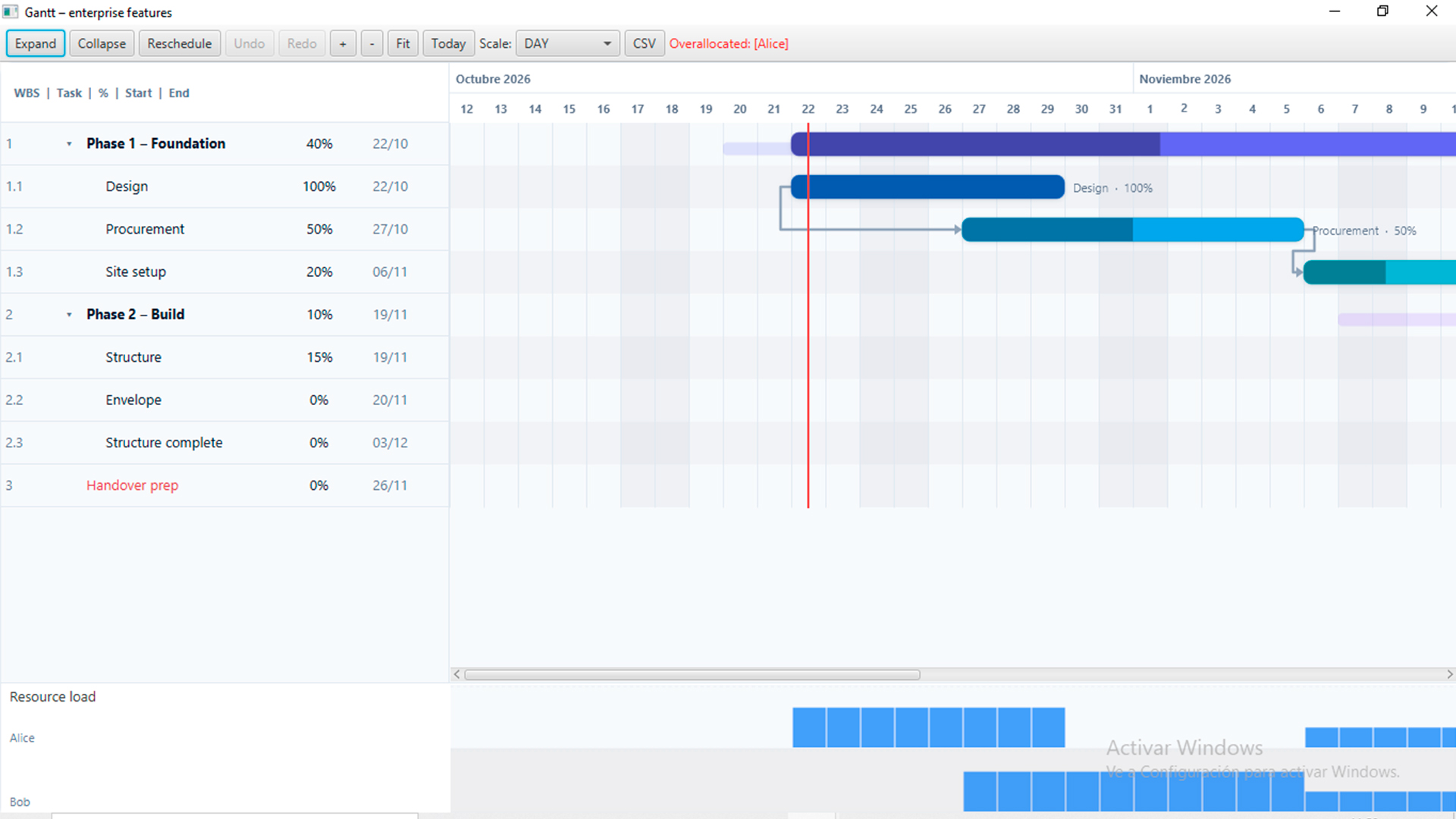
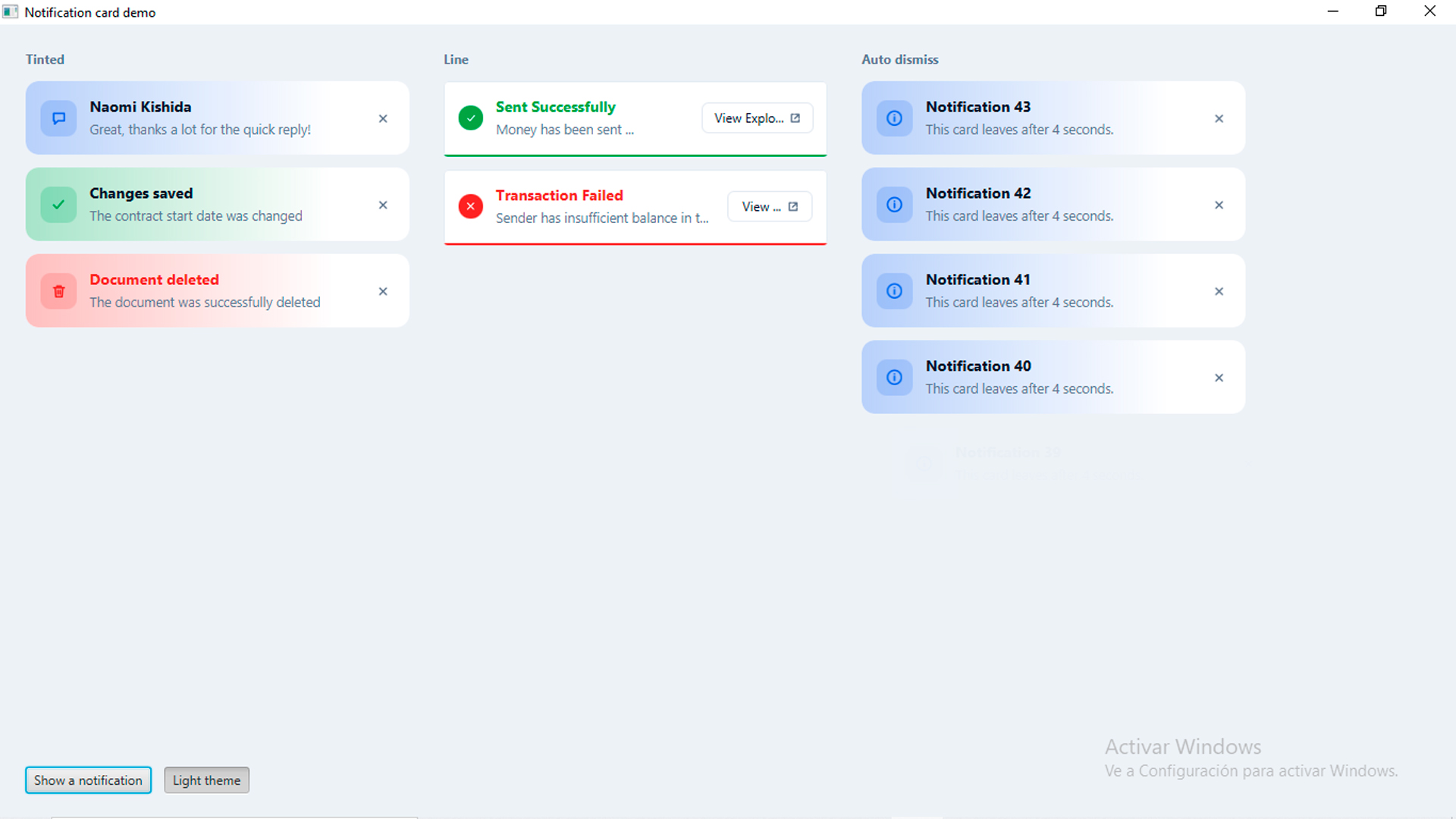
What are the micro-interactions in Celestia?
Celestia offers a set of micro-interactions, animations or motion for JavaFX nodes. Users want graphical interfaces that are aesthetically rich, but they also want interactivity.
Some clients say that Android and web interfaces have more “life” or “fluidity”. It wouldn’t hurt to bring some of that feeling to desktop applications.
In my experience, they make the biggest difference in the moments when users act or wait: feedback on buttons and toggles, transitions between screens, items appearing in lists, and notifications. These small touches don’t change what the application does, but they change how it feels.
What is the most common mistake you see?
The most common mistake is delivering an application or control that lacks aesthetics. It feels like you’re working with something from the year 2000, and because of that, users lose the desire to keep exploring.
Where should a developer start if they are interested in this topic?
Buy the book to have a background about the whole process. You can’t implement something that you don’t understand. When you have developed three or five skins, you get the bigger picture.
Taking the code of an existing skin will not be the solution, because you will force the code to do what you want and what you think is “right”.
What’s next, and where can readers find you?
Honestly, I don’t have a defined next step yet. Both the book and Vitra were born from real needs in my projects, so I’ll keep following that path: for now, Vitra is what takes up most of my time, and what comes next will depend on what my projects and my readers ask for.
You can find the book, Vitra, and Celestia at skinning-javafx-applications.netlify.app. If you have an idea or a control you’d like to see, write to Libán on LinkedIn or at [email protected].
Found a mistake, or something to add? Edit this page on GitHub

Frank Delporte
Frank Delporte is a Java Champion, Java Developer, Senior Technical Writer at Azul, Blogger, Author of "Java Programming for Raspberry Pi - A Hands-On Guide to Electronics and IoT Projects", and Open-Source Contributor for Pi4J, Lottie4J, Sheetmusic4J and …
Libán Bande González
Libán Bande González is a software developer, UX/UI designer and technical author. He builds a suite of JavaFX and SQL Server desktop business management applications for businesses. He is the author of the book 'Skinning JavaFX Applications'