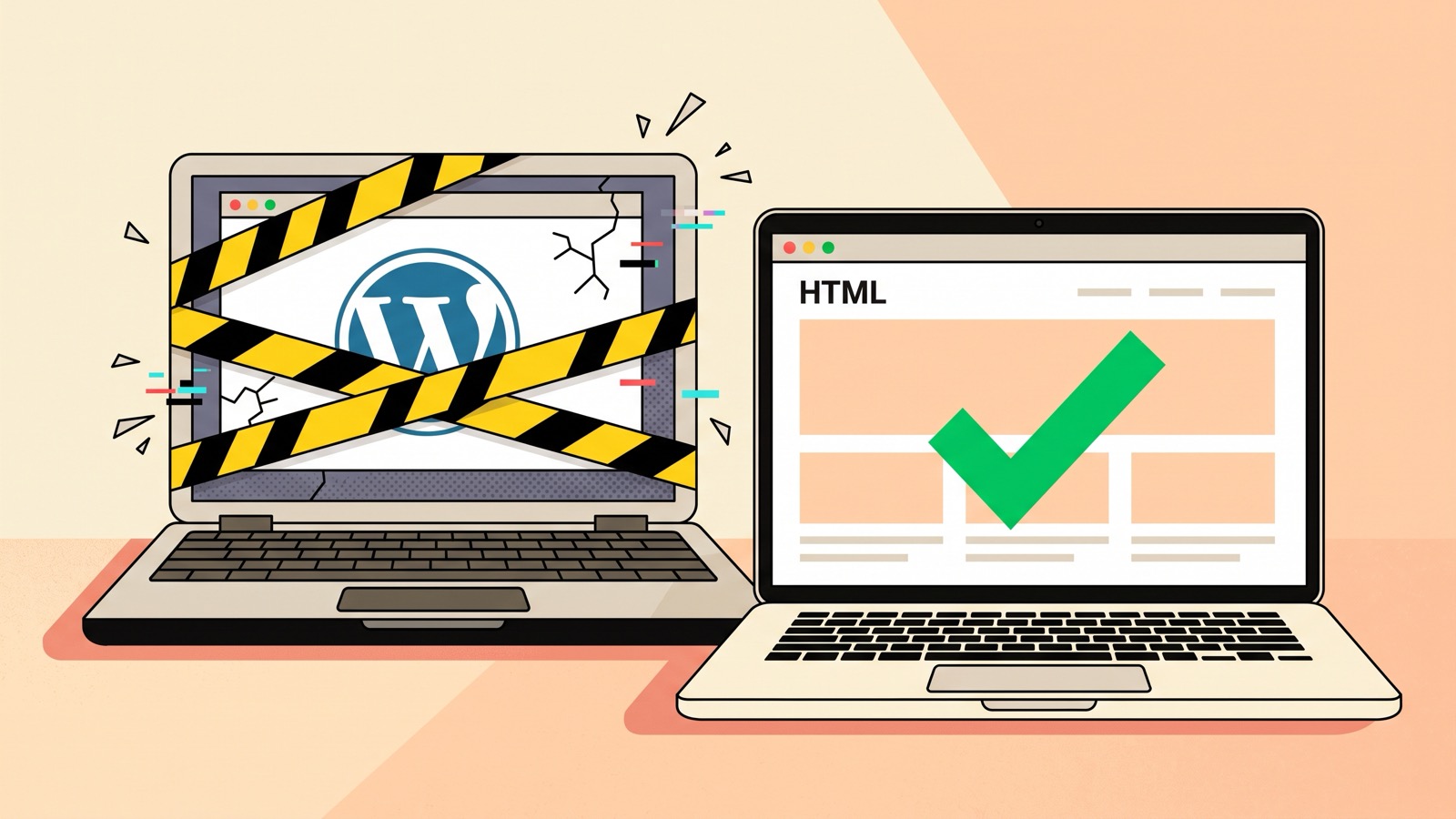
Keep WordPress If You're Looking for Trouble... Or Read This!

I wrote this article by hand. AI was used to review grammar, style, and fact-check the data.
WordPress made it easy for anyone to build a website. So easy that 43% of the web runs on it. Twenty years later, it’s just as easy for anyone to break into one. If that sounds dramatic, keep reading. You can also listen to our podcast on the topic.
11K plugin vulnerabilities in 2025/26 (+42% YoY), exploit time on critical vulnerabilities: 5 hours (source). The question is not if they can pwn your website, it is when.
~13K WordPress websites get hacked every day. When will it be your turn?
Here are a few things that could happen:
- Unwanted (hard to catch) redirections to nasty websites (drugs, sex, …)
- Being defaced: your page content replaced to promote something else
- Losing your data (sometimes ten years of content, see the AlpesJUG post)
What’s wrong with my WordPress?
The core is actually pretty safe, the main issues come from plugins:
- if you don’t update them, you’re toast because vulnerabilities are constantly being discovered.
- if you update them, also screwed: supply chain attacks now use updates as the delivery mechanism.
On top of that, the WordPress ecosystem is going through a governance crisis: legal battles, mass departures from Automattic, and the first market share decline in 20 years. Not the best time to bet on it.
Let’s also mention that WordPress requires a running server and database. That’s great in theory: you get dynamic pages!
However:
- It renders pages on every request (caching helps, but you’re patching the symptom)
- It is slow
- The plugins run in your production environment (💀)
- It is slow
- And it needs proper load testing… did I mention that famous Java conference whose WordPress site (with caching!) went down for the entire event? 😅
- It is slow
- The database can also be hacked and it contains a lot of sensitive data including your whole content
Static is the way!
Simply because: with a static site generator, plugins only run at build time. They produce static files and disappear. No server-side code runs in production. Your content lives in git, where security and versioning are handled by providers like GitHub or your own. This is exactly how Roq works.
Did I mention that GitHub also lets you generate and publish your static site for free with GitHub Pages? But then again, if you knew that, why would you have picked WordPress in the first place? 🤨
Tip: GitHub Pages works with private repositories too, so your source stays private while your site is public. This requires a GitHub Team subscription ($4/user/month).
I hear you say, “but static is static and I need dynamic” (comments, users, payments, …). For this you should either:
- When possible, fetch the data at build time and rebuild on a schedule. Dynamic content doesn’t mean it needs to be generated on every request.
- Use external service providers (or build your own).
Here are a few examples:
- Comments: Giscus (free, uses GitHub Discussions), Disqus
- Forms: Formspree (free tier)
- Payments: Stripe Checkout
- Search: Lunr (free, Roq has a plugin)
- Auth: Auth0 (free tier)
- Analytics: Umami (free, open-source, privacy-friendly)
Some features don’t even need an external service: static site generators have plugins too, and they only run at build time. Roq has a growing marketplace with plugins for search, sitemap, tagging, diagrams, and more.
Tip: Quarkus provides an awesome way to create full-stack web components that integrate directly into your pages. Perfect for building your own services. And with Quarkus on serverless, they scale to zero, meaning they’re practically free when not in use.
By the way, if this article were written with Roq instead of Hugo, these tips would render as proper admonition blocks out of the box 😉
What should I do now?
First, make sure your data and design are backed up somewhere safe… It would be a shame to get hacked just before migrating 😅!
Then, pick a static site generator. You can go with one you already know (Hugo, Jekyll, …) but as Roq’s author, I might be a tiny bit biased 😊.
Roq is a Quarkus-powered (Java) static site generator that makes it easy and fun to build websites and blogs. It comes with a Notion-like block editor for writers, supports Markdown and AsciiDoc, and integrates well with your favorite AI tooling. Fast to start, simple to maintain.
From WordPress to Roq
We prepared a step-by-step guide for this: Migrate a WordPress blog to Roq.
If you want to keep your current look, you can ask AI to recreate your theme in Roq. Otherwise, take the opportunity to start fresh with a new design. At least the switch will be visible!
Ready to switch?
- Start fresh: Create a new Roq site in a few clicks, pick a theme, and deploy
- Migrate from WordPress: Follow our step-by-step migration guide
- Learn more: Visit iamroq.dev or listen to the Foojay podcast episode where we discuss all of this
Found a mistake, or something to add? Edit this page on GitHub

Andy Damevin
Andy Damevin is a Principal Software Engineer at Red Hat and a member of the core Quarkus team, where he leads the Quarkus Web/Full-Stack story. He created `code.quarkus.io`, Quinoa, the Quarkus Web Bundler, and Roq, Quarkus's Java-based static site framework. …