
Lathe: A Java Language Server That Works Straight From Your Maven Build

I have written Java in many editors and IDEs over the years, and they all seem to struggle with the same thing.
For me, the hard part of a Java IDE or language server was never the code intelligence. It was getting the project structure right. The IDE reads your build files and then tries to guess the module structure from them. And over time, Java’s compiler and runtime configuration has become more and more complex: annotation processors, the module system, and more. So you often end up in a familiar place: the code compiles and runs in the build, but not in the IDE. Even the best ones tend to break the project setup after an upgrade.
The problem I kept hitting
So it was no surprise that when I wanted to try a different editor for my Java projects, I couldn’t get any of the existing language servers to work. Something always broke, and I could not figure out why. Most likely it was because my projects use a lot of annotation processing and Java modules (JPMS).
That got me thinking: how hard would it be to build my own language server, just to solve this for me and my colleagues, and get a real Java IDE experience in our favorite editor? This is possible thanks to the Language Server Protocol (LSP), a standard that lets one server bring the same features to any editor. Not long ago this would have been too much for a single developer. AI coding agents are what made it possible.
The idea
The tool I built is called Lathe — a Java LSP — and the idea behind it is simple: instead of guessing the project setup, capture it from the build.
We use Maven, and Maven lets you register a build extension that wraps the compiler and test harness. Lathe uses this to record everything the editor needs — classpath, module path, annotation processing, and test configuration — right from the build, exactly as Maven sees it. This is the capture part.
The language server then reads this captured information, and refreshes it every time you run a build. Runs, tests, and debugging are replayed from what was captured, without a new Maven build. This also feels natural: to update the editor, you just run a build, which you already do anyway.
So, in short: if your Maven build works, Lathe works too.
What it actually does
Lathe is a standard language server, so it works in any editor that speaks LSP. I use it in Neovim, which has a dedicated client that also adds run, test, and debug. It works in Emacs too, through the built-in Eglot, with no extra plugin. A VS Code client is planned.
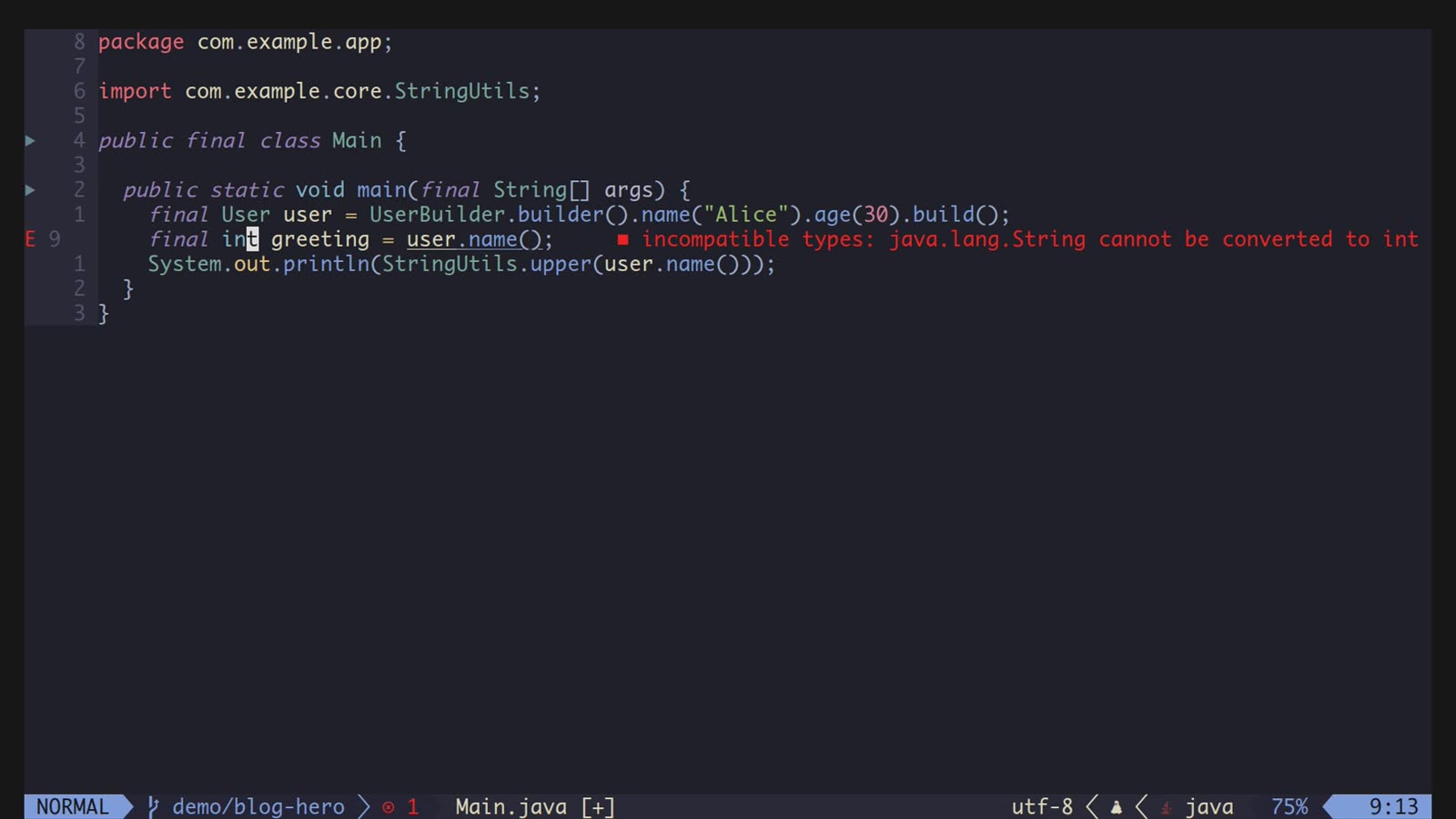
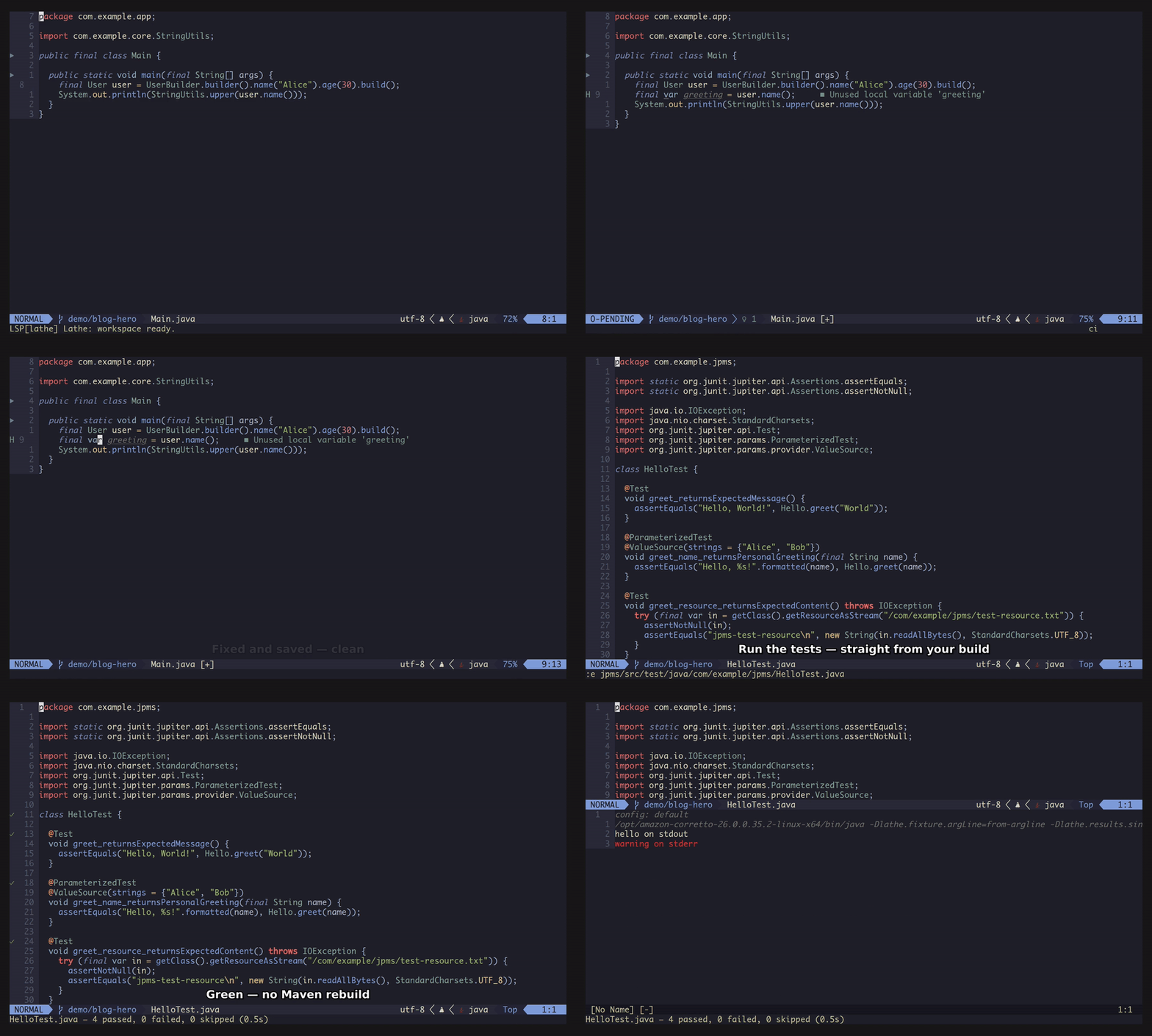
Because everything comes from the real build, the features just reflect what the compiler already knows. Here is the full list, grouped:
- Code intelligence — completion with automatic imports; go to definition and declaration (into your
own code, your dependencies, and the JDK sources); find references; call hierarchy; type hierarchy;
implementations and subtypes; document and workspace symbol search with CamelCase matching (
ASFfindsAbstractServerFactory); signature help; hover with Javadoc; document highlight; code folding; and semantic highlighting. - Diagnostics and refactoring — the exact
javacerrors and warnings for your build, plus warnings for unused private members and locals; quick fixes and refactorings (add missing imports, addthrows, wrap intry/catch, extract variable, constant, or field, and more); and optional google-java-format. - Run, test, and debug — run a
main, run tests (a single method, a class, or a package), and full debugging with breakpoints, stepping, variable inspection, and expression evaluation. Everything is replayed from the build, without a fresh Maven run. - Scaffolding — create a new class, interface, record, enum, annotation, or test, placed in the right module and package for you.
Getting started
You need Java 21+ (the same JDK your build uses) and Maven 3.x. Setup is three steps, and you only do it once.
First, register the Lathe extension at your project root — either in .mvn/extensions.xml or in your
root pom.xml under <build><extensions>:
<extension>
    <groupId>io.github.ag-libs</groupId>
    <artifactId>lathe-maven-extension</artifactId>
    <version>...</version> <!-- latest version from Maven Central -->
</extension>
You can find the latest version on Maven Central.
Then run a build once to capture everything, and add .lathe/ to your .gitignore:
mvn clean test -Dlathe.capture.only=true
Finally, set up your editor. For Neovim, point your plugin manager at the client the build unpacks into
~/.cache/lathe/current/neovim. For Emacs, no plugin is needed — one line in init.el points the
built-in Eglot at Lathe’s launcher.
After that it keeps itself in sync: every build refreshes the configuration, and Lathe also notices when
files change outside the editor, such as after a git pull. The full setup, with editor config, is in
the README.
Where it is now
Lathe is open source under the Apache 2.0 license. It is still early — I built it to solve my own problem, and it now does that well for me and my colleagues, on real modular projects that use annotation processing. The Neovim client is the most complete one; Emacs works through Eglot; a VS Code client is next.
If this sounds like a problem you have too, I would really like to know whether it helps you. The code, the full setup, and a short demo are on GitHub, and the artifacts are on Maven Central. Bug reports and feedback are very welcome — please open an issue.
Found a mistake, or something to add? Edit this page on GitHub

Alexey Gavrilov
Java developer from Norway with 25+ years of experience. Author of Lathe, a Java language server that works straight from your Maven build, and of a few other useful open source Java libraries.