OWASP Java Security Libraries: Please Update!
Hello Foojay!
I’ve been working hard on bringing two Java security libraries up to date: OWASP Java Encoder and OWASP Java HTML Sanitizer. These libraries are still used in a lot of applications and security products around the world. Both have fresh releases, and I’d love to get more Java developers looking at them again.
My request is pretty simple: please update if you use these! And if they matter to your application, I’d love your feedback.
I recently sent a short note about this to the Java Champions mailing list. Frank Delporte invited me to share a little more with the Foojay community. Thanks, Frank! Here is what the libraries do, what has changed, and where I’d start with an upgrade.
The releases to look at
As of October 21, 2026, the current releases are:
| Library | Version | Maven coordinates |
|---|---|---|
| OWASP Java Encoder | 1.6.0 | org.owasp.encoder:encoder |
| OWASP Java HTML Sanitizer | 20261011.1 | com.googlecode.owasp-java-html-sanitizer:owasp-java-html-sanitizer |
Those links go to the specific releases discussed here. If you’re reading this later, check each project’s releases page for newer versions.
Java Encoder: put text into the right output context
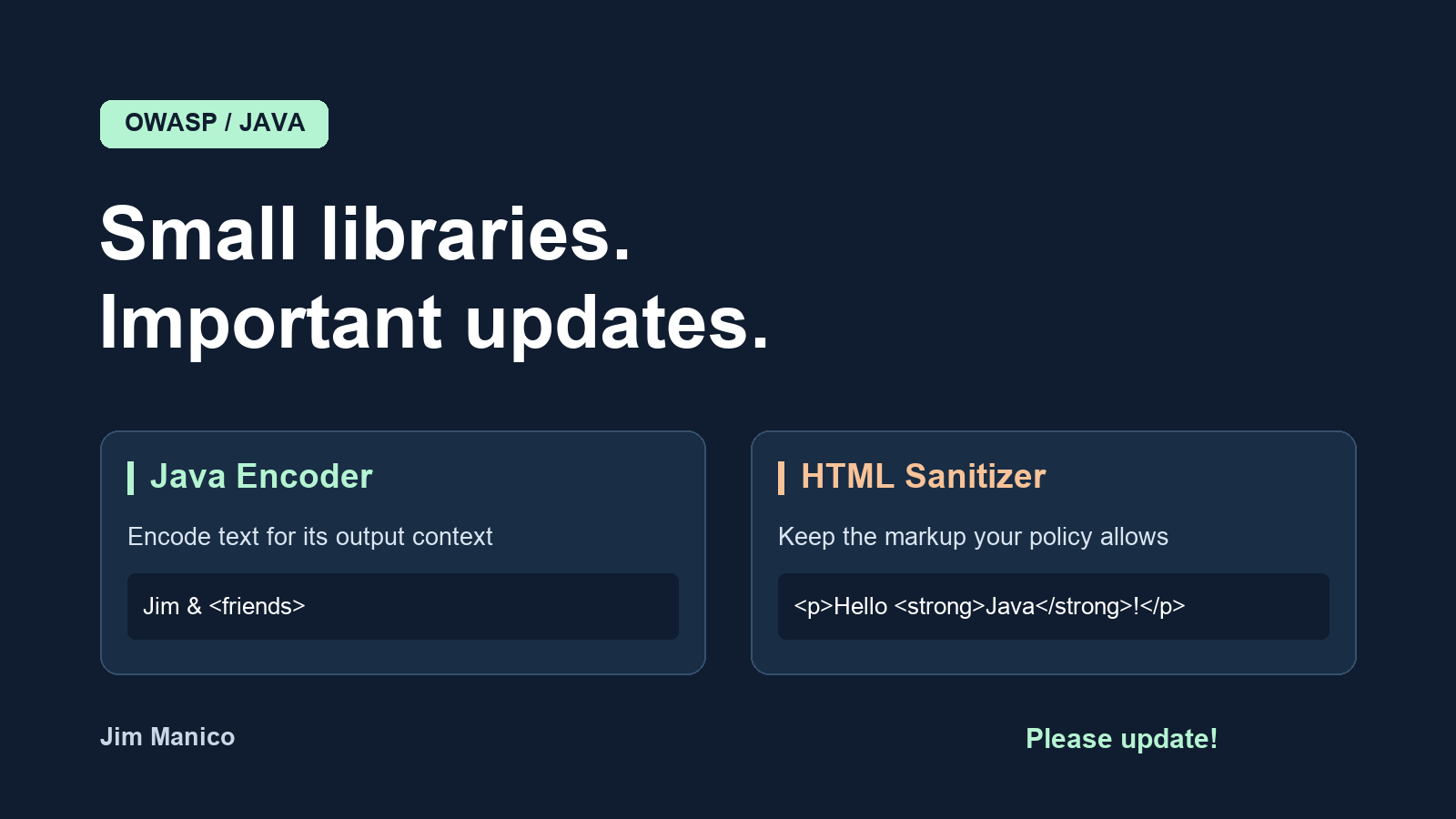
OWASP Java Encoder provides contextual output encoding. When untrusted text goes into a page, you need to encode it for the place it will land. HTML text and an HTML attribute are different contexts. The API makes that choice explicit.
The core library has no runtime dependencies and supports Java 8 and later. Add it with Maven:
<dependency>
    <groupId>org.owasp.encoder</groupId>
    <artifactId>encoder</artifactId>
    <version>1.6.0</version>
</dependency>
Here is a small, runnable example showing two output contexts:
import org.owasp.encoder.Encode;

public class EncoderExample {
    public static void main(String[] args) {
        String name = "Jim & <friends>";

        String paragraph = "<p>" + Encode.forHtmlContent(name) + "</p>";
        String input = "<input value=\""
                + Encode.forHtmlAttribute(name) + "\">";

        System.out.println(paragraph);
        System.out.println(input);
    }
}
The first call is for text inside an HTML element. The second is for a value inside a quoted, ordinary HTML attribute. The tag names and attribute name are fixed by the application. You can find the other contexts and their limitations in the Java Encoder documentation.
If your template engine already escapes values correctly for their destination, use that protection and avoid adding a second encoding pass. Encode when you render the value, when you know its context. And please don’t take an HTML attribute encoder as permission to put arbitrary input into an event handler or an unchecked URL. The OWASP XSS Prevention Cheat Sheet covers those distinctions.
What changed in Encoder
There are two release details I want people to notice.
First, 1.5.0 fixed a security issue involving encoded fragments next to trusted text. An encoder sees the value you pass it; a browser sees the assembled page. Before the fix, pieces on opposite sides of that boundary could combine into dangerous HTML or XML delimiters. The published advisory explains the affected contexts and versions.
Second, 1.6.0 refines JavaScript output while retaining those protections. It reduces unnecessary letter escaping in the general and block JavaScript encoders. It introduces no new encoder security fix. The public APIs and Java 8 runtime baseline remain unchanged, but the encoded bytes and some streaming behavior do change.
That means tests comparing exact strings may need attention. If you use EncodedWriter with the general or block JavaScript encoder, flush it before writing directly to the underlying writer. Read the 1.6.0 release notes for the streaming details.
For JSP applications, keep the core and the appropriate JSP adapter on matching versions. Choose the adapter for your container’s javax or Jakarta APIs. Also check for encoder-esapi: that adapter is retired and has no supported version. The project provides an ESAPI adapter migration guide.
HTML Sanitizer: keep the HTML you actually want
Sometimes people need to submit formatted content: a description with paragraphs, a comment with bold text, or a link in a support ticket. Encoding all the markup would display the tags as text. For these features, OWASP Java HTML Sanitizer lets you define the HTML your application accepts and removes what the policy does not allow.
Here is the dependency:
<dependency>
    <groupId>com.googlecode.owasp-java-html-sanitizer</groupId>
    <artifactId>owasp-java-html-sanitizer</artifactId>
    <version>20261011.1</version>
</dependency>
And here is a small policy that permits paragraphs, bold text, and emphasis:
import org.owasp.html.HtmlPolicyBuilder;
import org.owasp.html.PolicyFactory;

public class SanitizerExample {
    public static void main(String[] args) {
        PolicyFactory policy = new HtmlPolicyBuilder()
                .allowElements("p", "strong", "em")
                .toFactory();

        String submittedHtml = "<p>Hello <strong>Java</strong>!"
                + "<img src=x onerror=alert(1)></p>";

        System.out.println(policy.sanitize(submittedHtml));
    }
}
The output is:
<p>Hello <strong>Java</strong>!</p>
Start with the smallest policy that meets your feature’s needs. This example allows no attributes, images, links, or CSS. The project’s policy examples show how to add specific capabilities.
Use the returned HTML in its intended HTML content context. Don’t sanitize a value, discard the result, and render the original. Also take care with anything that changes the markup afterward; later transformations can undo the protection. Sanitized HTML is still HTML, so it is not automatically suitable for a JavaScript string or an attribute value.
What changed in the sanitizer
The recent releases include security and robustness work around HTML parsing and CSS handling. One example is the deeply nested CSS functions advisory: affected versions could exhaust the thread stack when sanitizing a style attribute. Release 20260924.1 introduced a nesting limit. If you allow styling, include representative CSS in your upgrade tests.
The latest release, 20261011.1, addresses a packaging issue for Java 8 builds that enforce dependency bytecode versions. The Java 10 compatibility implementation now lives in the JAR’s versioned directory, and an unnecessary class was removed. Applications using Maven Enforcer’s enforceBytecodeVersion rule in its default, non-strict mode can remove the workaround for those two classes. The change log has the exact details and the earlier fixes.
Give the upgrade a little attention
I’d start by checking the versions your application actually resolves. A dependency can arrive through another library, and the version in one POM may not be the version in the deployed application.
Then try the update against the things your users actually do. For the Encoder, check the output contexts and any tests that depend on exact encoded bytes. For the Sanitizer, exercise your own policy with real editor output, ordinary formatting, and the malformed input you already keep in regression tests. Check that legitimate content still works as well as checking that unwanted content is removed.
A version bump is a good time to look at the integration too. Where is the value rendered? Who owns the sanitization policy? Does another component modify the HTML afterward? Those are useful questions to answer while the code is in front of you.
I’d love your feedback
If either library is part of your application or product, please try the current release and let us know how it goes. A small reproduction with the version, policy or encoder method, expected result, and actual result is incredibly helpful. Compatibility reports and documentation fixes are welcome too.
For ordinary bugs, use the Encoder issue tracker or the Sanitizer issue tracker. For a suspected vulnerability, follow the project’s private reporting process: Encoder security policy or Sanitizer security policy.
Thanks to everyone maintaining, testing, reviewing, and using these projects. Keeping widely used security libraries healthy takes people willing to spend time on the details. I appreciate the help.
Please update, take them for a spin, and tell us what you find!
Cheers,
Jim
Found a mistake, or something to add? Edit this page on GitHub

Jim Manico
Jim Manico is the founder of Manicode Security, where he trains developers on secure coding and security engineering. He is a Java Champion and an OWASP project leader.