




Stable, Secure, and Affordable Java
Azul Platform Core is the #1 Oracle Java alternative, offering OpenJDK support for more versions (including Java 6 & 7) and more configurations for the greatest business value and lowest TCO.
Jakarta EE 11: Beyond the Era of Java EE
This user guide provides a brief history of Java EE/Jakarta EE and a detailed overview of some of the specifications that will be updated in Jakarta EE 11.
Step up your coding with the Continuous Feedback Udemy Course: Additional coupons are available
What do you know about the code changes that were just introduced into the codebase? When will you notice if something goes wrong?
Do you want your ad here?
Contact us to get your ad seen by thousands of users every day!
[email protected]Almas Baimagambetov
AuthorPrincipal Lecturer, Computing Department Lead at the University of Brighton. Author of #FXGL game engine. #Java #JavaFX #Kotlin open sourcerer. PhD in Computer Science.
Learn MoreRecent comments
Almas Baimagambetov
How to Create Mobile Apps...Awesome stuff! Great use of `AccelerometerService` API to showcase what JavaFX can do on mobile.
All 0 Likes
Foojay Podcast #9: The State of JavaFX Framework, Libraries, and Projects
Let's talk about the JavaFX framework itself, but also about the libraries and applications that are built with it.
Let’s turn to JavaFX charts, showing how to customize charts with orientation and colors and how to add nodes to the chart scene graph!
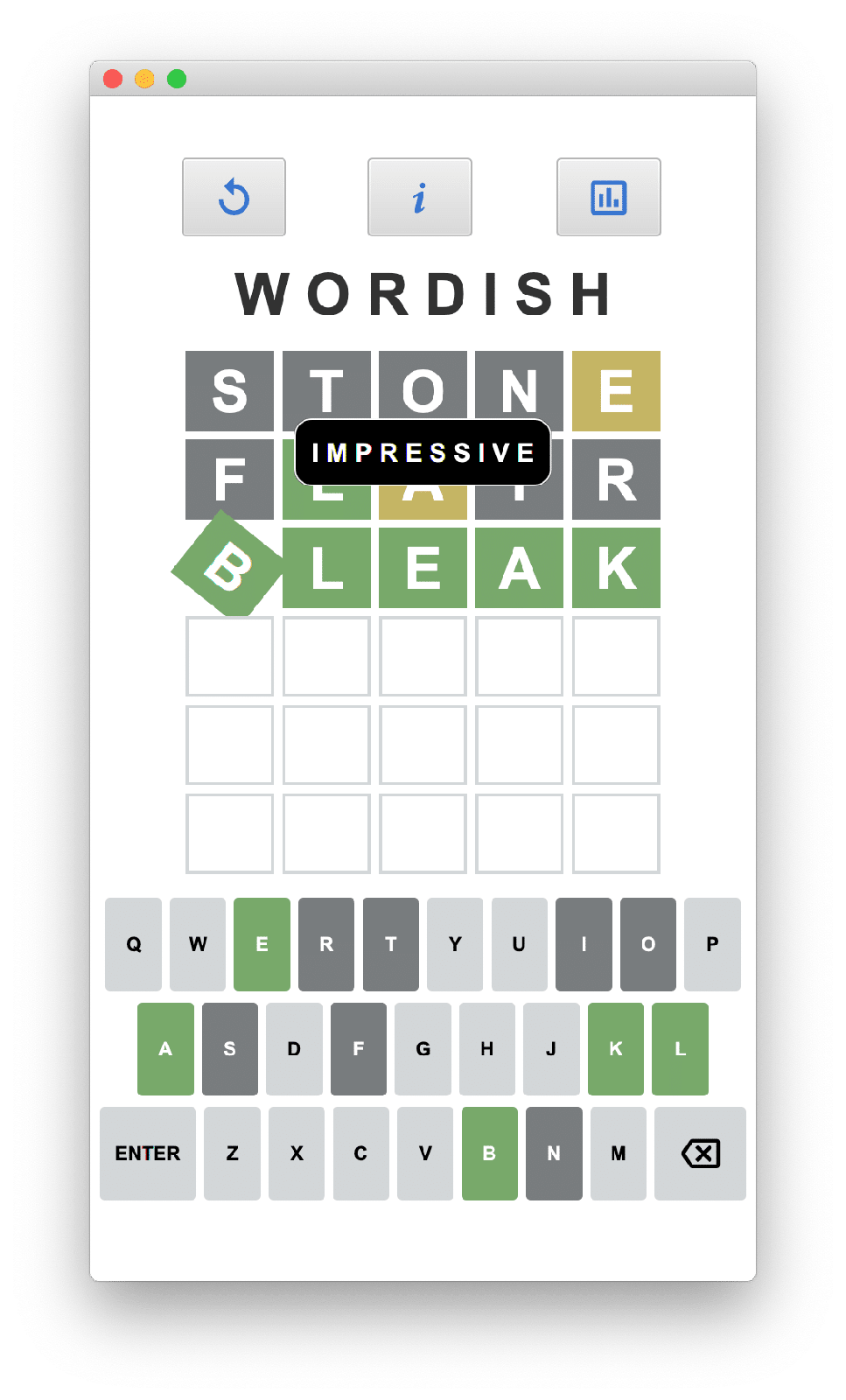
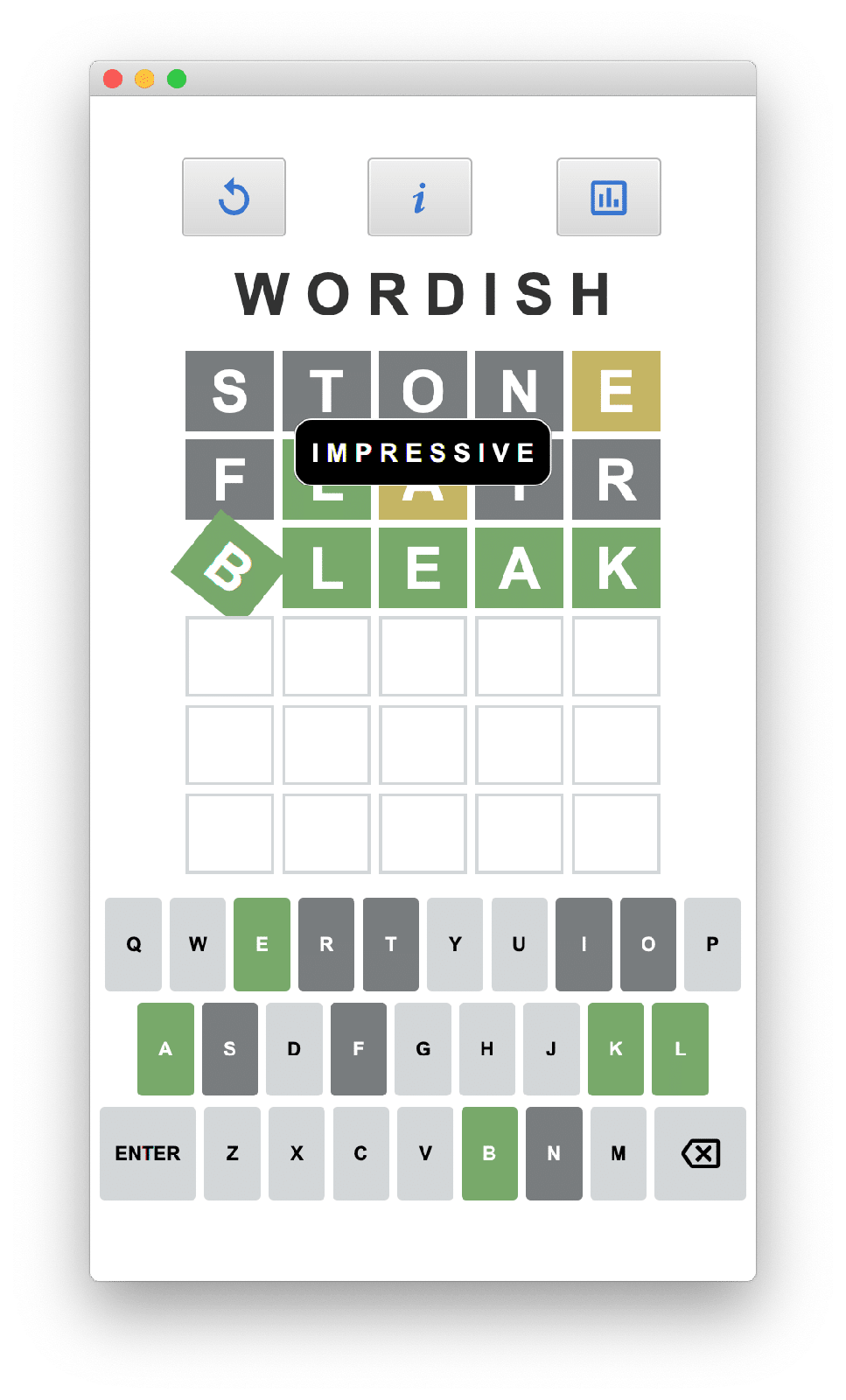
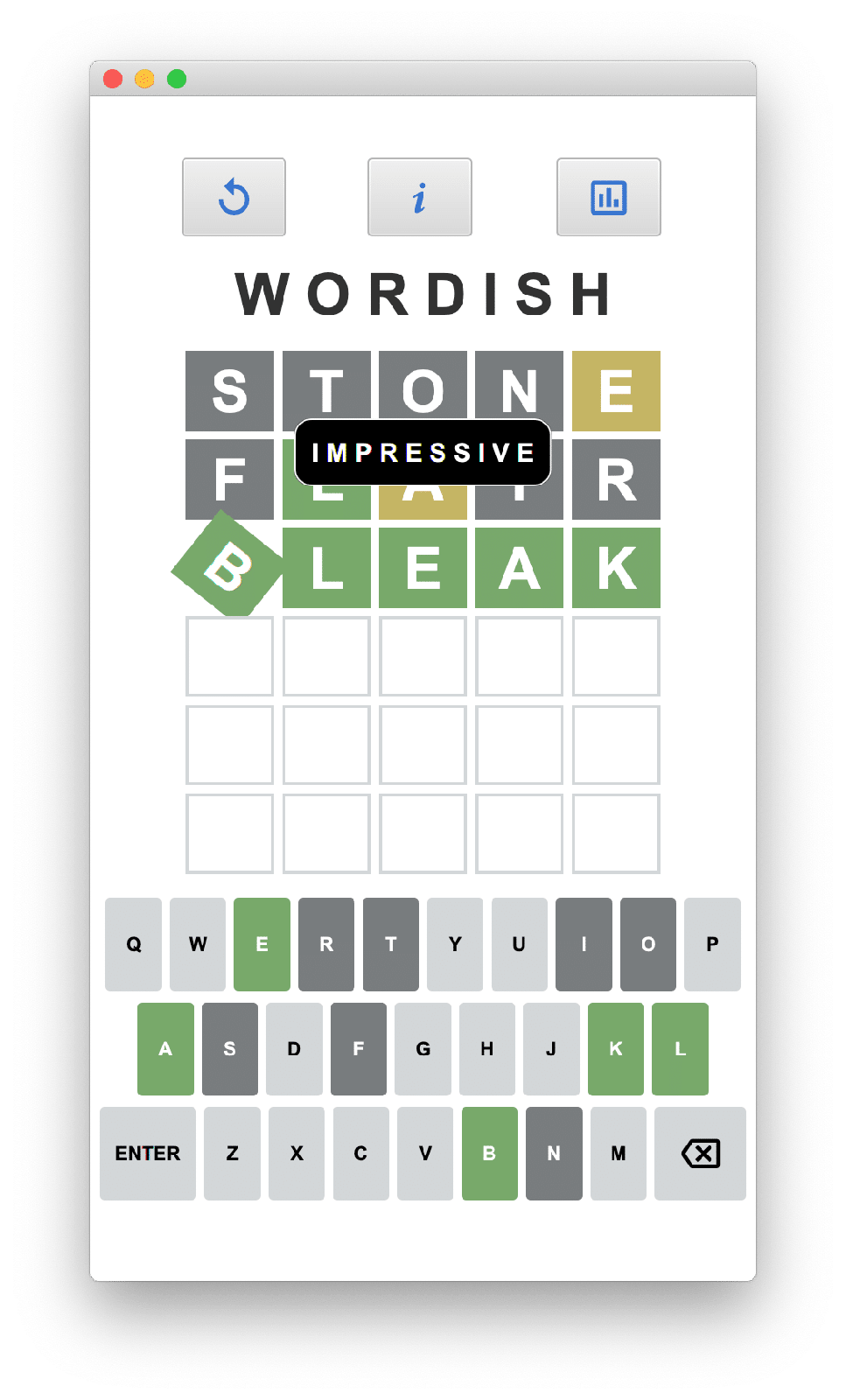
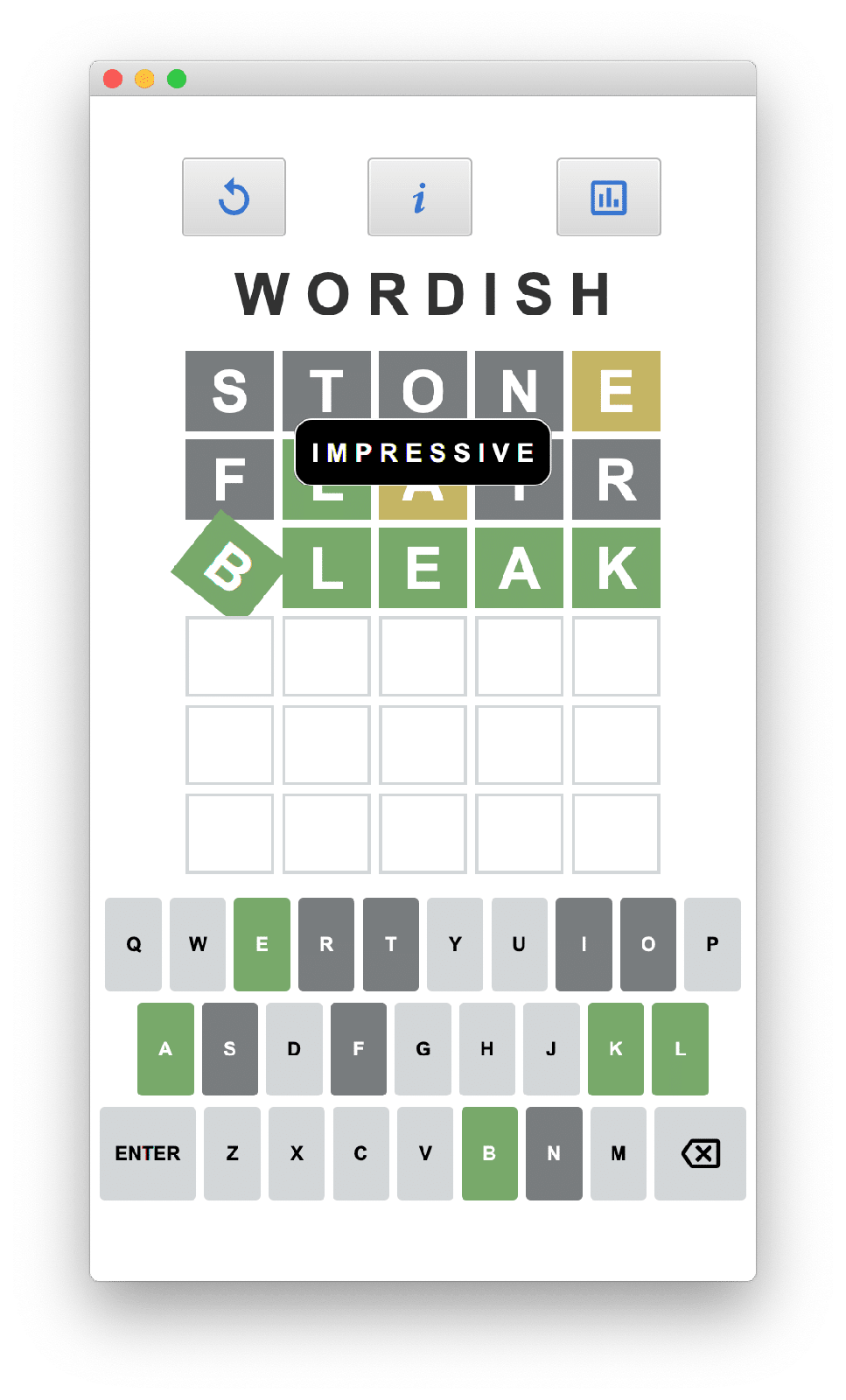
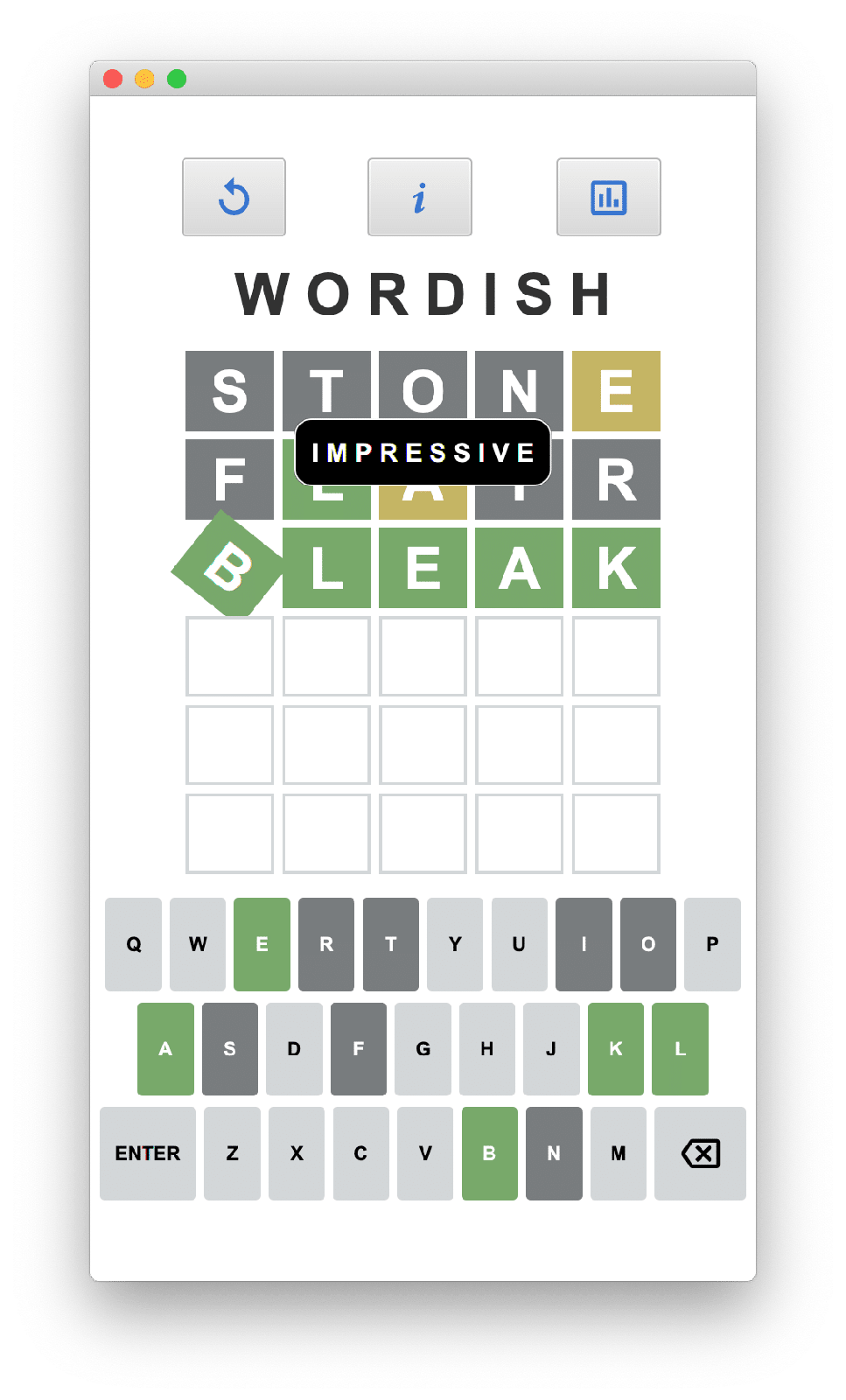
Continue with Part 4, where we’ll look at how we get our words and how we determine if a submitted word is valid!
The JavaFX controller code maintains game state and responds to user input with appropriate updates to the UI.
Learn specialized JavaFX Labels and Buttons, pseudo-classes for CSS styling, and third-party font libraries and customizing Scene Builder!
Learn about the main UI layout of a cool JavaFX game using Scene Builder, TilePane, FlowPane, controller code, iOS and Android settings!
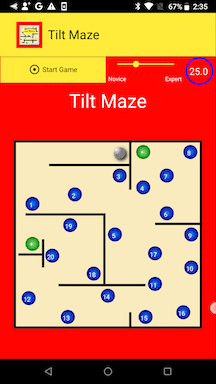
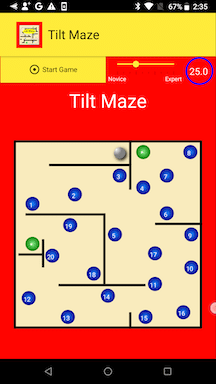
In Part 1, we introduced a mobile app game, TiltMaze, written completely in JavaFX, which you can download from either the Apple App Store or Google Play and install it on your mobile device or tablet.
In Part 2, we showed you how to work with Gluon and GraalVM to build native images that execute on either Apple or Android mobile devices and tablets.
In this article, we’ll discuss how to upload your application to the respective mobile app stores so the world can install your application on their devices.
In Part 1, we introduced a mobile app game, TiltMaze, written completely in JavaFX, which you can download from either the Apple App Store or Google Play and install it on your mobile device or tablet.
In this article, we’ll discuss the technologies we use with JavaFX to build the JVM byte code version as well as native images that target iOS and Android devices.
In this three-part series, I’ll show how to use JavaFX for mobile app development: JavaFX looks great and runs on both mobile platforms.
You use the same JavaFX code targeting Google Play and Apple App stores. Performance is excellent and startup time is fast with native images.
You use Java 11+ and the latest JavaFX.
Our game is TiltMaze Labyrinth!
Interesting read on @foojayio about the current state of the @grailsframework, at @TheASF
Written by @spoole167 interviewing @JamesFredley
https://foojay.io/today/grails-isnt-done-yet-part-1-inside-the-asf-reboot/
#Java 26 is here, and its main purpose is to provide a solid foundation for future things to come. It comes with new features, performance improvements and multiple enhancements–my blog post has all the info! 🚀
My #Java 26 article is now also available on Foojay Today! @foojayio
All 17 Comments
Almas Baimagambetov
• 5 years agoAwesome stuff! Great use of `AccelerometerService` API to showcase what JavaFX can do on mobile.