
Helen Scott

Helen Scott

Featured Author

Helen is a Java Developer Advocate at JetBrains. She has over 20 years’ experience in the software industry which has been gained in a variety of roles including developer, technical writer, product owner, and advocacy.

Do you want your ad here?

Contact us to get your ad seen by thousands of users every day!

[email protected]
Likes 0
Comments 14
Shares 0
Articles 16
Views 257,1K
Latest post

Getting Started with IntelliJ IDEA

Starting in a new team can be daunting. You have to learn All The Things, one of which is your IDE! So, how can you best learn IntelliJ IDEA?

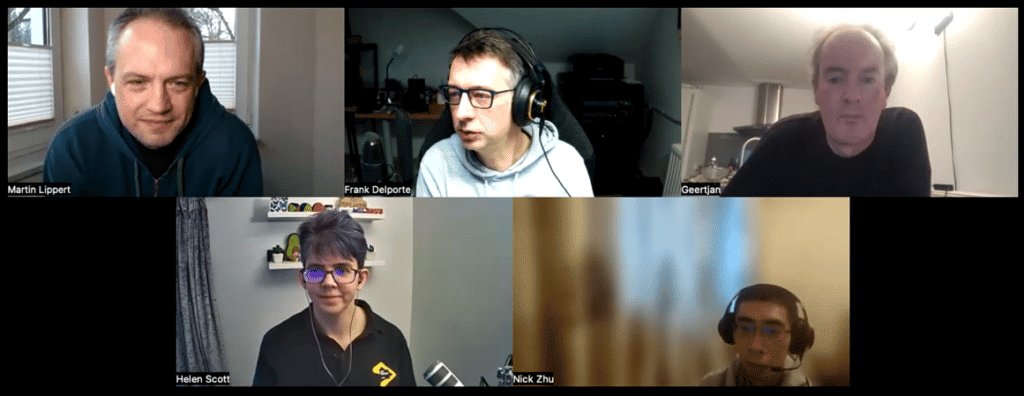
Foojay Podcast #12: State and Future of the IDEs

In this podcast,  we are talking to some of the key people working on different IDEs, Integrated Development Environments.

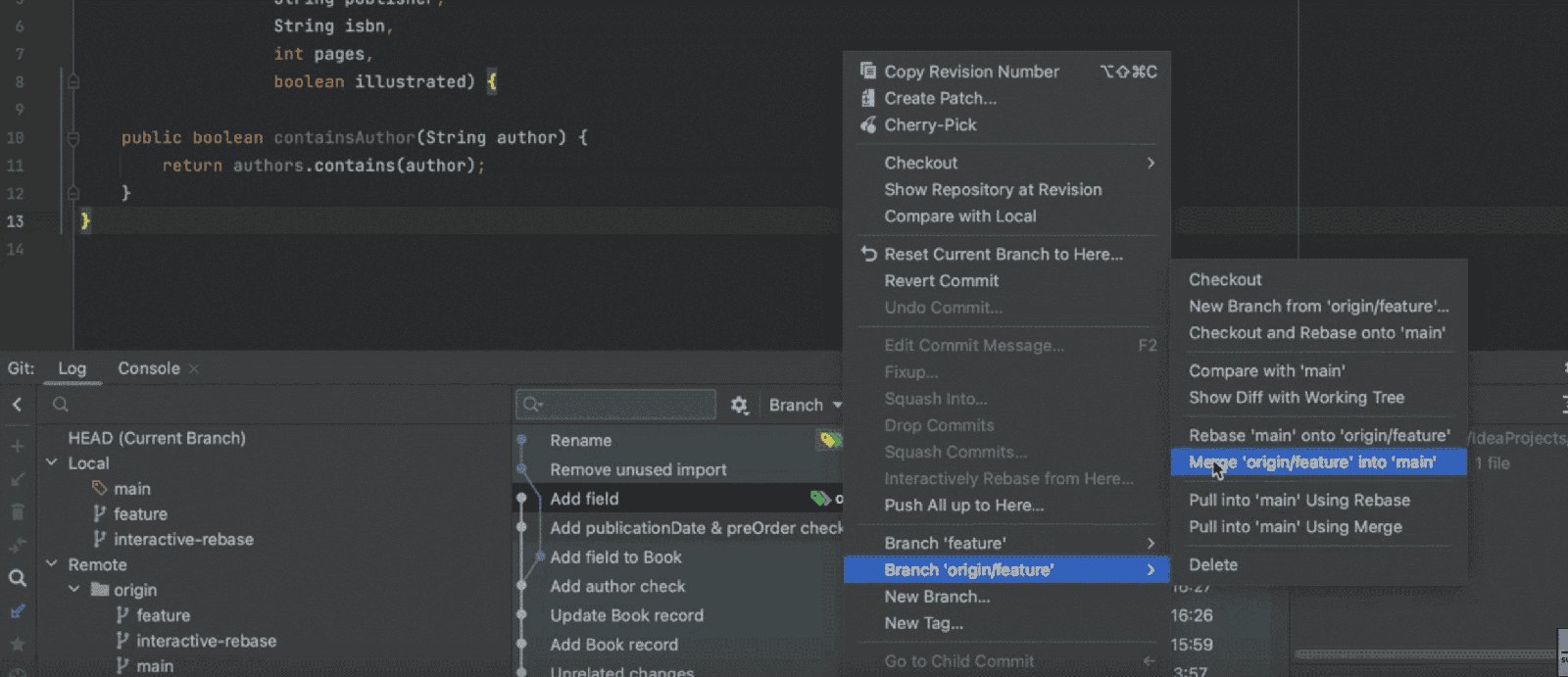
Resolving Git Merge Conflicts in IntelliJ IDEA

At some point in your career, probably many points, you’ll have to resolve merge conflicts. A common cause of merge conflicts is when you’re working on a feature branch…

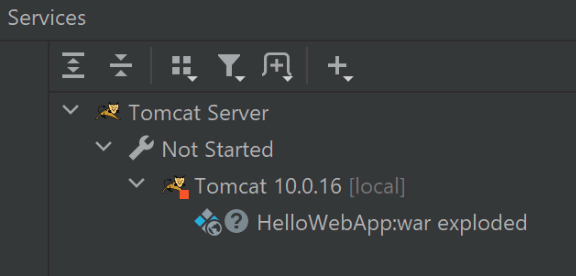
Setting up and Working with Apache Tomcat in IntelliJ IDEA Ultimate

Learn how to set up IntelliJ IDEA Ultimate to work with Apache Tomcat for new and existing projects.

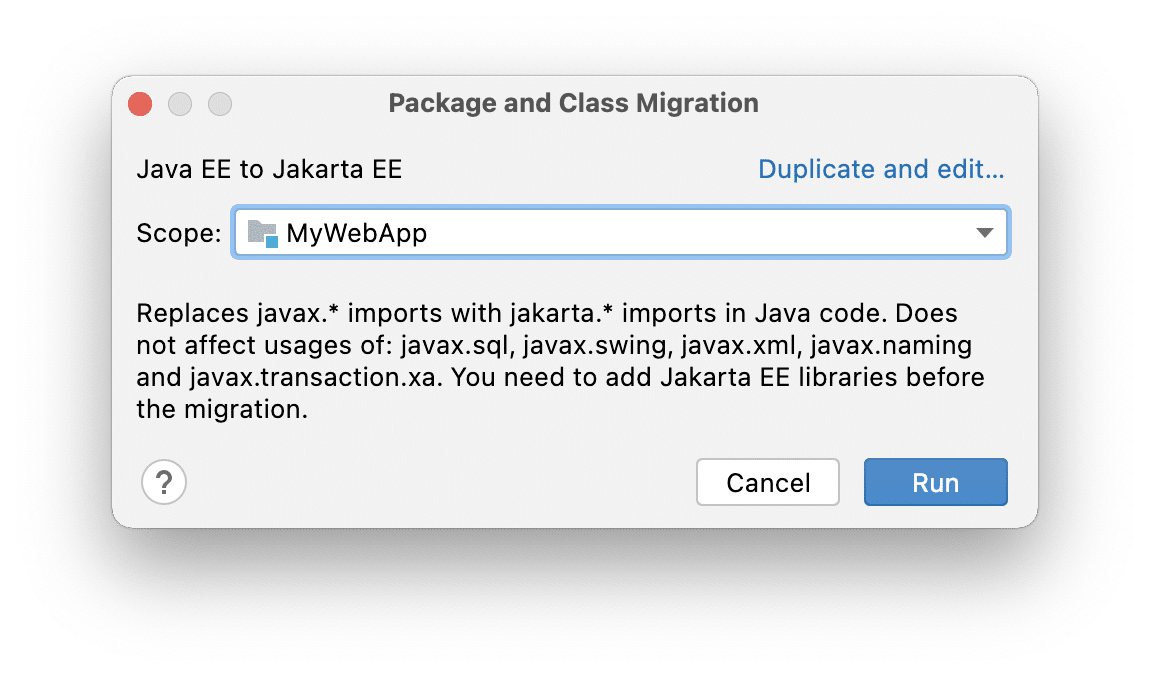
Migrating from Java EE to Jakarta EE with IntelliJ IDEA

In this post we’re going to migrate some sample code from the `javax` namespace to `jakarta` using IntelliJ IDEA’s migration tool.

IntelliJ IDEA Icon
Working with Multiple Carets in IntelliJ IDEA

Sometimes you need to modify multiple lines of code on separate lines inside IntelliJ IDEA with the same change.

The fastest way to achieve that is with multiple carets that are either stacked vertically in a list, placed at the end of each line or positioned exactly where you want them in your code.

IntelliJ IDEA Icon
Everyday Shortcuts in IntelliJ IDEA

Let’s take a look at some of my favourite keyboard shortcuts in IntelliJ IDEA.

It’s really helpful to use keyboard shortcuts because it speeds you up and keeps you in the flow of coding!

IntelliJ IDEA Icon
Creating a Simple Spring Boot Application in IntelliJ IDEA

In this tutorial, we’ll use the New Project Wizard in IntelliJ IDEA to create a Spring Boot project with the Spring Web dependency.

We’ll also create a Spring Controller and served some text to the local Tomcat webserver.

Finally, we’ll add a test for our HTTP call.

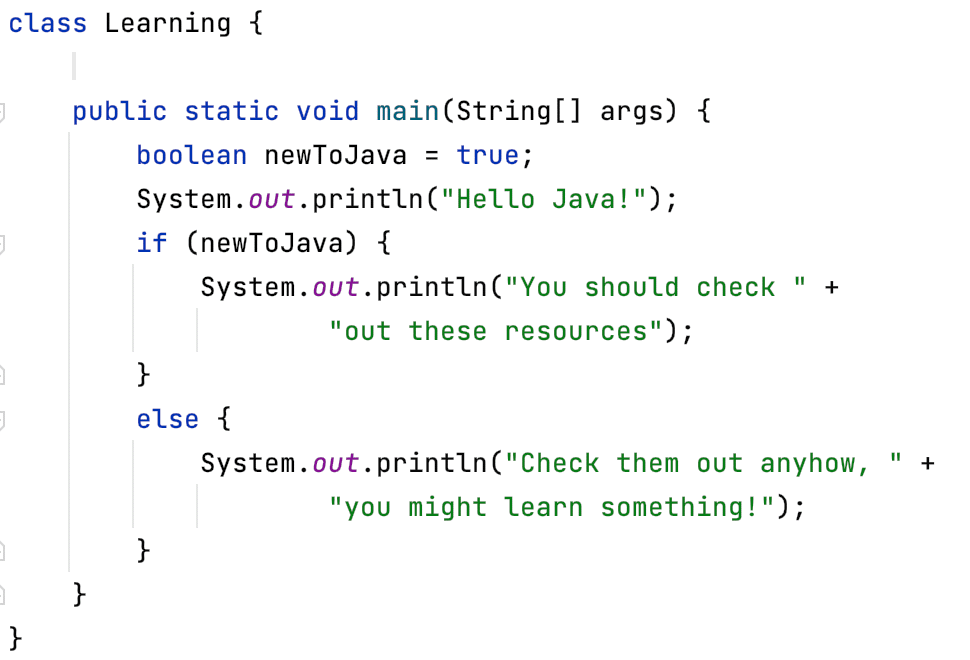
New to Java? Some Resources

I was asked if I had a list of resources for developers who are new to Java. I didn’t at the time, but I’ve spent some time researching and here is that list.

I’ve listed content that is both free and paid. It’s not that one type is superior; it’s just to give you plenty of choices. These are the resources that I’ve used and do still use to re-learn Java. So, if you’re new to Java or looking to pick it up again after a break, this article is for you.

The other super important point is that everyone learns differently; some like reading, some like doing, some like watching, most of us like a bit of a mix of everything. I tend to switch between them depending on what I want to learn about and how I feel. You’re probably similar, so pick an approach that works for you.

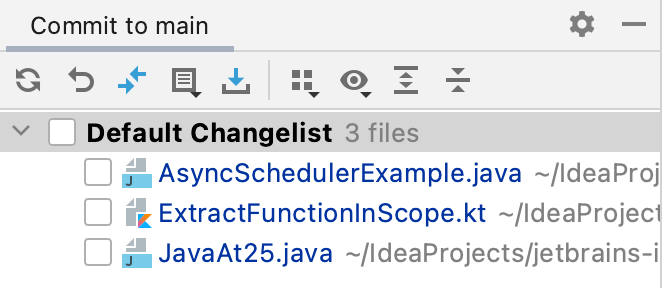
IntelliJ IDEA Changelists and Git Staging

Since the release of IntelliJ IDEA 2020.3, there are now two ways to manage your commits to Git.
The first one is with IntelliJ IDEA Changelists and the second is with Git staging.

This blog will take you through both approaches and highlight the differences.

Generating Code with IntelliJ IDEA

One of the super cool things about IntelliJ IDEA is how much code you can generate with minimum effort.

There’s a Generate menu in IntelliJ IDEA that you can access with ⌘N on macOS and Alt+Insert on Windows and Linux.

Here’s a quick tour of some of the places where you can use it in Java projects in IntelliJ IDEA.

Join the Community

Be a Part of Our Network

Mastodon

Subscribe to foojay updates:

https://foojay.io/today/author/helenjoscott/feed/
Copied to the clipboard