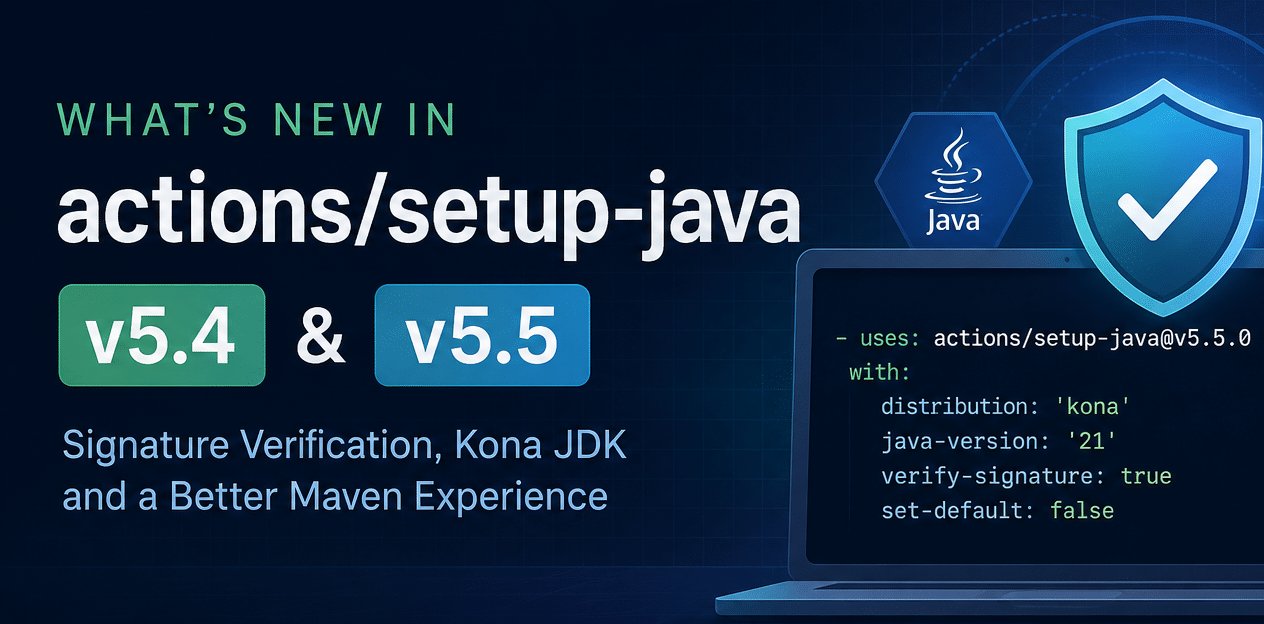
What's New in actions/setup-java 5.4 and 5.5: Signature Verification, Kona JDK, and a Better Maven Experience
If you build Java on GitHub Actions, actions/setup-java is almost certainly the first step in your workflow. It installs a JDK, wires up JAVA_HOME and the PATH, configures Maven settings.xml, sets up dependency caching, and registers Maven toolchains — all before your build even starts.
The last two releases, v5.4.0 and v5.5.0 , are quietly some of the most interesting in a while. v5.5.0 in particular brings something Java developers have been asking about for years on CI: cryptographic verification of the JDK you just downloaded. There’s also a brand-new distribution, smarter version-file handling, and a batch of Maven quality-of-life fixes that make your logs cleaner and your toolchains file saner.
v5.4.0 shipped without a dedicated changelog post, so this article covers the highlights of both releases in one place.
Let’s dig in.
Verify the signature of the JDK you download
Here’s an uncomfortable truth about most CI pipelines: the JDK that compiles and runs your code is downloaded over the network, and for a long time the only integrity guarantee was TLS. That’s fine — until it isn’t. The JDK becomes the java binary that the rest of your pipeline trusts, with access to your secrets, your signing keys, and your deploy credentials. Supply-chain integrity of the toolchain itself matters.
v5.5.0 adds detached GPG signature verification for downloaded JDK archives:
- uses: actions/[email protected]
  with:
    distribution: 'temurin'
    java-version: '21'
    verify-signature: true
When verify-signature: true, the action downloads the detached GPG signature that the distribution publishes alongside the archive and validates the JDK before it’s installed. If the signature doesn’t check out, the step fails — the bad JDK never makes it onto the runner.
A few important details:
- Supported distributions today:
temurinandmicrosoft. The action bundles the trusted public keys for these. - Fail fast, not silently: If you set
verify-signature: truefor a distribution that doesn’t support it yet, the action fails rather than pretending it verified something. No false sense of security. - Bring your own key: If you mirror JDKs internally or want to pin to a specific trusted key, supply your own with
verify-signature-public-key:
- uses: actions/[email protected]
  with:
    distribution: 'temurin'
    java-version: '21'
    verify-signature: true
    verify-signature-public-key: ${{ secrets.JDK_TRUSTED_PUBLIC_KEY }}
The key is passed as an ASCII-armored GPG public key and overrides the default bundled key for the selected distribution.
If you care about reproducible, supply-chain-safe builds, this is the flag to reach for. Expect the list of supported distributions to grow over time.
Tencent Kona JDK
actions/setup-java now speaks Tencent Kona JDK natively:
- uses: actions/[email protected]
  with:
    distribution: 'kona'
    java-version: '21'
Tencent Kona JDK is an OpenJDK-based, production-grade distribution that Tencent runs at scale, with builds for LTS lines. If your organization standardizes on Kona — or you just want to test against it — you no longer need a custom download-and-extract step. It’s a first-class distribution value now, and it also works via version files (more on that below).
This brings the roster of supported distributions to a healthy list: Temurin, Zulu, Adopt (Hotspot/OpenJ9), Liberica, Microsoft, Corretto, Semeru, Oracle, Dragonwell, SapMachine, GraalVM, GraalVM Community, and now Kona.
Install a JDK without making it the default
By default, every call to setup-java sets JAVA_HOME and updates PATH, so the last JDK you install “wins” and becomes the java for the rest of the job. That’s usually what you want — but not always.
Sometimes you need a specific JDK available to one step (say, a tool that must run on Java 17) without disturbing the main Java version your build uses. Enter set-default: false:
# Main build JDK
- uses: actions/[email protected]
  with:
    distribution: 'temurin'
    java-version: '21'

# An extra JDK, available but NOT the default
- uses: actions/[email protected]
  with:
    distribution: 'temurin'
    java-version: '17'
    set-default: false
With set-default: false, the action:
- Leaves
JAVA_HOMEandPATHuntouched, so Java 21 remains the default. - Still exports
JAVA_HOME__(e.g.JAVA_HOME_17_X64), so the extra JDK is discoverable. - Still registers the JDK in the Maven toolchains file, so builds can select it via toolchains.
This makes it possible for a single job to juggle multiple JDKs cleanly, without the ordering games of “install the one you want last.”
Note: if you install multiple JDKs in one step via a multiline
java-version,set-default: falseapplies to all of them — none become the default, but each stays discoverable through itsJAVA_HOME__variable.
Smarter version files: auto-detect the distribution
setup-java can read your Java version from a file instead of hard-coding it in the workflow. It supports .java-version, .tool-versions (asdf), and .sdkmanrc (SDKMAN). The recent releases taught it to infer the distribution from those files, so you can stop repeating yourself.
From .sdkmanrc
SDKMAN identifiers carry a vendor suffix — -tem for Temurin, -zulu for Zulu, and so on. The action now maps that suffix to a distribution automatically:
- uses: actions/[email protected]
  with:
    java-version-file: '.sdkmanrc'
# .sdkmanrc
java=21.0.5-tem
That -tem is enough — no distribution input needed. In fact, distribution is now optional when your .sdkmanrc uses a recognized suffix.
A much nicer Maven experience
Several changes in these releases target one of the most common Java build tools directly.
Quieter logs by default
Maven loves to print a line for every artifact it downloads. On a cold cache that’s hundreds of noisy lines burying the output you actually care about. setup-java now sets --no-transfer-progress (-ntp) in the MAVEN_ARGS environment variable by default:
- uses: actions/[email protected]
  with:
    distribution: 'temurin'
    java-version: '21'
# Subsequent `mvn` / `./mvnw` calls inherit -ntp automatically
Details worth knowing:
- Applies to Maven 3.9.0+ and the Maven Wrapper (
mvnw), which honorMAVEN_ARGS. Older Maven versions ignore it — there you can pass--no-transfer-progresson the command line. - Any existing
MAVEN_ARGSvalue is preserved, not clobbered. - Want the progress back? Set
show-download-progress: true.
- uses: actions/[email protected]
  with:
    distribution: 'temurin'
    java-version: '21'
    show-download-progress: true  # keep the download/transfer chatter
Non-interactive settings.xml
The generated settings.xml now disables Maven’s interactive mode. Translation: Maven will never sit there blocking a CI run waiting on a prompt that no human is going to answer.
Toolchains that stop growing out of control
This one is a genuine bug fix that’ll make some people very happy. If you called setup-java multiple times in a job, each call appended to toolchains.xml — including duplicate entries. Over a few installs you’d end up with a toolchains file full of repeats.
The generated toolchains.xml is now deduplicated by toolchain type and id . And crucially, it preserves your existing root attributes and any non-JDK toolchains you had in there. So you can install as many JDKs as you like across multiple steps and get a clean, correct toolchains file at the end.
Don’t forget these v5.4.0 additions
Three more things from that release deserve a callout:
javacproblem matcher: the action registers a problem matcher after installing the JDK, turningjavacerrors and warnings into inline annotations on your pull requests and in the run summary. Compiler failures show up right on the offending line instead of being buried in the log. (You can disable it if you prefer — see the advanced usage docs.)Maven Wrapper caching: with
cache: maven, the action now also caches the Maven Wrapper, shaving time off jobs that use./mvnw.Free GraalVM Community distribution (
graalvm-community): install GraalVM Community Edition builds (stable JDK 17+) directly, no license gymnastics required.
- uses: actions/[email protected]
  with:
    distribution: 'graalvm-community'
    java-version: '21'
Putting it all together
Here’s a workflow that uses several of these features at once — signature-verified Temurin as the default, a secondary JDK for a tool, version driven from .sdkmanrc, Maven caching, and clean logs out of the box:
name: build
on: [push, pull_request]

jobs:
  build:
    runs-on: ubuntu-latest
    steps:
      - uses: actions/checkout@v4

      - name: Set up Java (verified, from .sdkmanrc)
        uses: actions/[email protected]
        with:
          java-version-file: '.sdkmanrc'   # e.g. java=21.0.5-tem
          verify-signature: true            # fail if the JDK signature is bad
          cache: maven

      - name: Add a Java 17 toolchain (not the default)
        uses: actions/[email protected]
        with:
          distribution: 'temurin'
          java-version: '17'
          set-default: false

      - name: Build
        run: ./mvnw verify   # -ntp already applied; javac errors annotate the PR
A note on pinning
One recurring recommendation from the maintainers, and good advice for any third-party action: pin it . For reproducible, supply-chain-safe builds, reference the exact release tag v5.5.0 which are now immutable, or for the strongest guarantee, the full commit SHA:
- uses: actions/setup-java@0f481fcb613427c0f801b606911222b5b6f3083a # v5.5.0
The floating v5 major tag is convenient but moves under you. Pinning to a SHA means the bytes you audited are the bytes that run. Combined with the new verify-signature support, you can now have confidence in both the action and the JDK it installs.
Grab the full details in the advanced usage guide and the v5.5.0 release notes. As always, feedback and issues are welcome in the actions/setup-java repo.
Happy (and verifiably safe) building.
Found a mistake, or something to add? Edit this page on GitHub